Showing posts with label Graphics. Show all posts

Friday, June 19, 2015

The Tools of the Graphics Design Trade, and Why Some Things Never Change

The more things change, the more they stay the same–or so it seems, at least in the graphics design trade. I know. That seems like a strange observation in a field where designers are replacing their pencils for styli. It is true that the world of graphics design is radically different on a superficial level. But once you scratch beneath the surface, you will find the real tools of the trade to be remarkably unchanged:


Sketchpads


Trade a pencil for a stylus, and you are still holding a long, narrow, likely cylindrical tool for drawing sketches on some type of pad. Whether on a paper pad or an iPad, it is still a pad that holds your graphical ideas. It hardly matters if the medium is graphite and trees, or glass and silicon.

What has changed are the number and types of threats about which a designer has to worry. Before, the biggest threat was that someone may try to steel your work. Now, the bad guys can use your work to steel information from other people.


Since 2002, we’ve known that common image files could be used as viruses and malware. Today, the methods are even more sophisticated. While many designers use a Mac, which is generally free of viruses, some types of threats can still get through. That is why antivirus software for Mac devices is becoming more and more important, as it protects users during online browsing sessions and even safeguards social media accounts.


You still could use help:


  • Blocking dangerous websites

  • Protecting your privacy on Google+, Facebook, Twitter, and LinkedIn

  • Ensuring safe surfing for the whole family

Macs and iDevices make great tools for designers, but still need to be used with security in mind. The most insecure component of any system is always the user.


Photoshop


Every designer knows about Photoshop, even if they don’t personally like it. Like Excel for office workers, almost every designer has to use it in some capacity, even if they do not use the advanced features. Photoshop is a staple of the design world.


This expensive and intimidating piece of software, among other things, lets artists alter images, even to the point of removing parts of an image from its setting for use in an different context. Love it or hate it, due to its ubiquity in the design world, you kind of have to have a passing familiarity with it.

But photoshopping (in the generic sense) is not new. It is as old a scissors. Ever sense we have been able to capture images, we have had the ability to manipulate them.


Since long before computers, when it came to pictures, seeing was not believing. Our tools may be more advanced. We can definitely create better illusions, and better cover our tracks after doing so. But enhancing images to make the bold and beautiful even bolder and more beautiful is as old as film. Maybe older.


A Designer’s Eye


At the end of the day, none of the high-tech tools and gadgets mean a thing if you do not have a designer’s eye. Style is hard to define. Good taste is even harder. Yet there are those who have the eye for it, and those who don’t. If you don’t, none of the photoshop running iPads will turn you into a great graphics designer.


Just consider the world of logos. Some, like the golden arches of McDonalds, are instant classics. A good designer recognizes it for the graphical goldmine that it is, and has always been. PayPal as a company, seems to be taking a more hit-or-miss approach to design.


iPads, Surfaces, and Cintiqs are all fine devices. Just remember, it is not the device being used that matters, but the designer that’s using it.


The Tools of the Graphics Design Trade, and Why Some Things Never Change

Monday, May 25, 2015

15 Essential Graphics Tools for Online Designers

Great design is a process of hard work and inspiration. There are no shortcuts, but technology offers you plenty of tools to save time and increase productivity. Of course the hard part is actually finding the software that fulfills your needs.


Over the course of the last year I’ve created an online toolbox, composed of software and websites that I use for my day-to-day design needs. These tools streamline my work and increase my efficiency. Today I want to share them with you so you can spend less time working and more time enjoying the things that are important in your life.


Adobe Color Wheel


adobe color

Coming up with the great color combinations can be a challenge. Adobe Color Wheel helps simplify the process. Pick one color and the Color Wheel automatically selects a number of colors that work well with it.


Colorzilla


colorzilla

Colorzilla gives you the power to instantly discover the color combinations used on any website. The software provides you with the hex codes for the color scheme used on the page you are visiting. It’s available as a plugin on Google Chrome and Firefox.


Font Face Ninja


font ninja

Font Ninja is a great online tool. At the click of a button the plugin identifies the fonts used on a website and then gives you the option to download the font (of course you shouldn’t abuse this feature). It is available for Safari and Google Chrome.


Type Genius


type genius

Type Genius suggests fonts that work well together. Select the font you want to use and Type Genius reveals different fonts that work well with it. To help you make a decision the site gives you examples of font pairings so you can see what they will look like alongside each other.


Youzign


youzign

Background image removal is one of those daily tasks that I found myself struggling with before I started to use Youzign. This online graphics design software offers a simple online solution to image cropping. In literally 20 seconds flat you can remove the background of any image.


Convert My Image


image converter

Sometimes you need a simple piece of software to do one basic job. Convert My Image is a great example of this. It lets you change an image to a different format. The nice thing about this software is that it includes a large range of image formats. For example, JPG, BMP, RPG and PS.

Pixlr


pixlr

Pixlr is my go to tool for simple photo or graphic editing. There are three parts to the software; Pixle Editor, Pixlr Express and Pixlr O-Matic. Pixlr Editor offers a range of tools for graphic editing. Pixlr Express lets you add tints and text to an image and Pixlr O-Matic lets you add borders, overlays and effects. That’s a lot of functionality for a free piece of software.

Tiny Png


tiny png

Load time is an important factor for search engine rankings. Tiny Png compresses the file size of your images while maintaining the quality. It’s a small thing, but it does make a difference to page loading speed.


Page Ruler


ruler

Page Ruler lets you measure the pixel dimensions and positioning of online elements. It is a very useful tool for anybody involved in designing software or a website. The plugin is available on Google Chrome.


Perfect Pixel


pixel perfect

This useful plugin lets you add a transparent image overlay onto a website so you can see if what you created is identical to your mockup. The interface is clean and easy to use and is a valuable tool for anyone designing online. The plugin is available on Safari, Google Chrome and Firefox.


Resize Window


window resizer

Resize Window lets you see what a website will look like across a variety of devices (mobile, tablet and desktop computer). There are a large number of screen resolutions to choose from. You can also create your own.


Fillerati


fillerati

Fillerati is a placeholder text generator. It’s a nice alternative for anyone who is bored with ‘Lorem Ipsum.’ Depending on your needs, another option is the ‘Corporate Ipsum’ Chrome plugin that generates meaningless business jargon you could fill a report with.


Light Shot Screenshot


lightshot

Since I started working online I’ve used Light Shot on an almost daily basis. The software lets you take a screenshot of whatever you are working on. You can then add some notes and either upload the image to the server, and receive a url, or download the image to your desktop as a png.


Last Pass


Last Pass

Last Pass stores all your passwords and usernames in one place. Once you’re signed in you can use the software to automatically log into any website that requires login information. The pro version lets you share your passwords and usernames across your team, while not actually giving anyone the actual password.


Stay Focused


stay focused

If you love Facebook or find yourself getting distracted by the Internet while you work then Stay Focused could be right for you. The plugin keeps you productive by blocking access to sites during your working hours. Stay Focused also keeps track of how long you actually spend browsing the Internet while you pretend to work.


I hope you found this list of online tools useful. I know there are plenty of alternatives to the tools I suggested, but these are the ones I personally use. They’ve helped me in my day-to-day business life and I’m sure a few of these tools will help you to.


P.S. If there are any great tools I’ve missed let me know about them in the comments below (I’d love to check them out).


Bio:


15 Essential Graphics Tools for Online Designers

Wednesday, March 25, 2015

1000s of Vector Graphics for Every Design Situation

Vector graphics are a life saver for designers. When deadlines are fast approaching there’s no time to tediously illustrate design elements by hand, or frantically search the web for rare illustrations. Having a library of quality resources allows you to copy & paste ready made elements straight into your designs to quickly produce stunning artwork with all the fun and none of the stress. There’s currently a fantastic opportunity to grab a comprehensive collection of vector graphics from Design Cuts. The Creative Vectors Bundle contains 1000s of varied vector elements, including decorative flourishes, vintage packs, floral designs, textures, patterns, and more! All for a massive 94% discount!


The Comprehensive, Creative Vectors Bundle


The types of vector graphics I find the most useful are elements I simply can’t make myself. Technical drawings, vintage illustrations, intricate ornaments and detailed patterns are all valuable assets that can transform a design, but they’re pretty hard to come by. Thankfully this Comprehensive, Creative Vectors Bundle contains them all, along with 1000s of other vector items. Most importantly, everything comes with extended licensing so you can safely use the resources in your commercial work, even designs you intend to sell, like art prints and digital products.


Here’s a brief look at just some of the wonderful packs the bundle includes. Be sure to check out the full overview to see the entire collection!


Decorative Graphic Pack


Decorative Vectors Pack preview


You never know when you’re going to need an ornament, frame, ribbon or wreath in your designs, so prepare yourself with the most varied collections of elements you can find. This bundle starts with the Decorative Graphic Pack, which already provides you with over 500 elements!


Hand Drawn Romantic Decoration Pack


Hand Drawn Romantic Vector Pack preview


Romance is a theme that recurs in all kinds of designs. Valentine’s day, greetings cards and wedding invitations are all scenarios that require ribbons, wreaths and other elegant illustrations. Make life easy for yourself by having items like the Hand Drawn Romantic Decoration Pack in your arsenal.


The Really Rustic Vintage Wedding Kit


The Really Rustic Wedding Kit preview


The rustic style is a popular theme for wedding invitations. This complete kit contains loads of vector elements that allow you to put together a stunning design in minutes. Mix and match the complex wreath illustrations with seamless patters, decorative borders and vintage illustrations to create beautiful prints.


VectorPress: Illustrator Letterpress


VectorPress preview


Vectors aren’t always individual graphics, vector textures are also some of the most crucial resources for roughing up your clean and crisp Illustrator art. VectorPress uses a unique hybrid of Graphic Styles & Actions to quickly add texture effects to your work in seconds, giving that hand made letterpress feel.


1000s of Vectors for Every Occasion!


The Comprehensive, Creative Vectors Bundle


You never know what kind of element you’re going to need to achieve the perfect design, so it’s important to collect as many as you can. This Comprehensive, Creative Vectors Bundle will cover most design scenarios with the 1000s of vectors it contains. The correct licensing is always important when you’re using third party resources in your work, but you’re safe with every item in this collection as they all come with full extended licenses. This license alone often costs as much as a single vector pack!


Buy the Comprehensive, Creative Vectors Bundle ()


The post 1000s of Vector Graphics for Every Design Situation appeared first on Blog.SpoonGraphics.


1000s of Vector Graphics for Every Design Situation

Tuesday, February 10, 2015

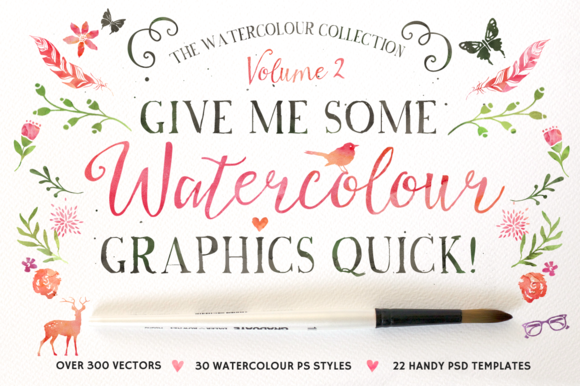
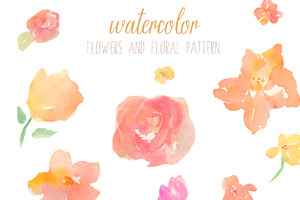
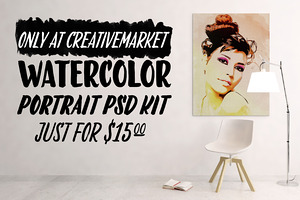
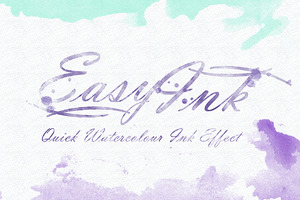
70 Beautiful Watercolor Graphics, Effects, Brushes, and More

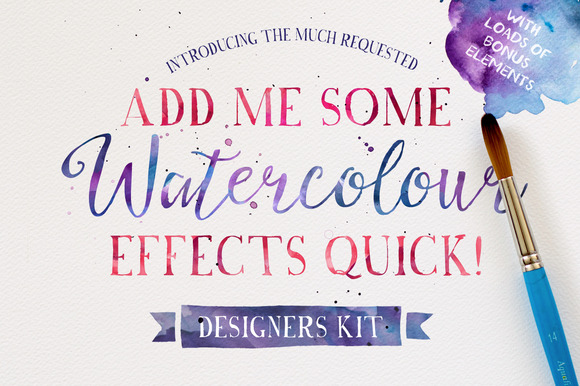
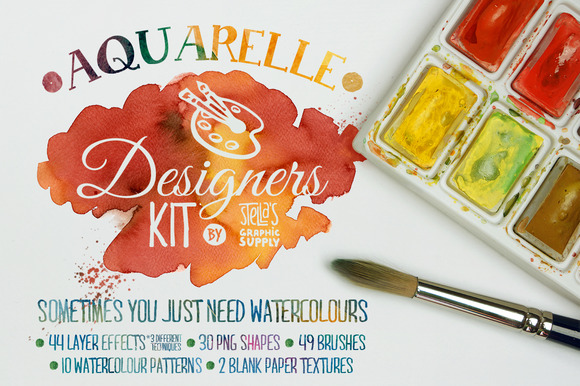
One of the hottest recent design trends is watercolor graphics. Some days it seems like watercolor brushes, patterns, backgrounds, and effects are taking over Creative Market! We finally took the time to sit down and put together this huge collection of our favorite watercolor resources. Enjoy!


Ultimate Watercolor Packs


To start this collection out, here are some all-in-one watercolor packs that are overflowing with all kinds of different resources. A special shout out to both Nicky Laatz and Make Media Co. for setting the bar so high in this area and breaking a few sales records while they were at it.


Brushes


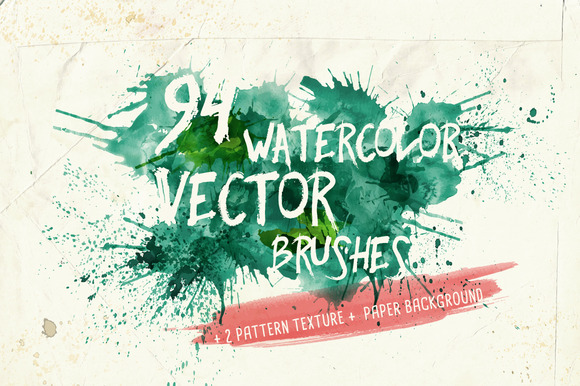
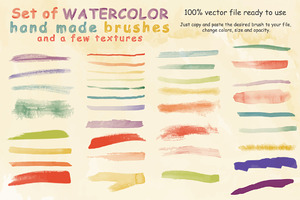
If you’re just dipping your toe into the world of watercolor-themed design, the first thing you’ll want is a good watercolor brush back. These are incredibly versatile tools that allow you to apply watercolor effects to any artwork that you create.


Vector


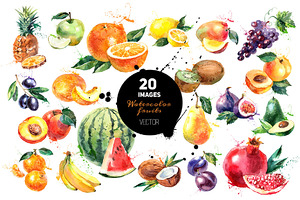
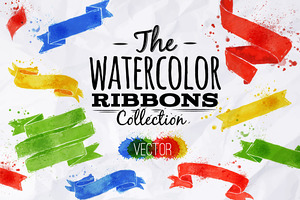
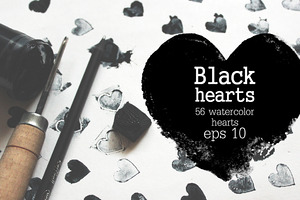
Most great watercolor resources you’ll find are for Photoshop, but vectors lovers need not dismay, there are still plenty of great, infinitely scalable watercolor resources too.


Graphics


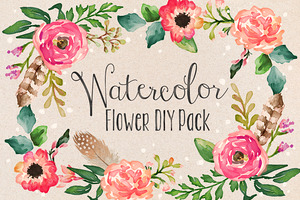
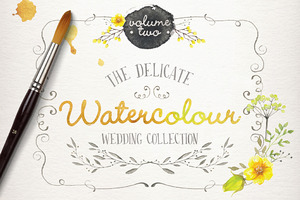
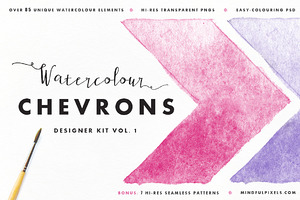
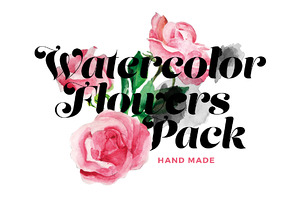
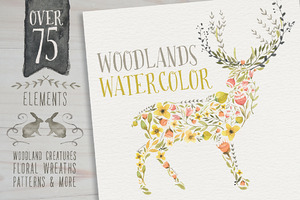
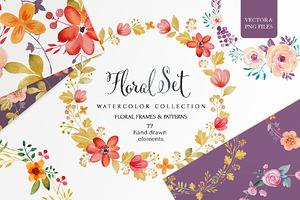
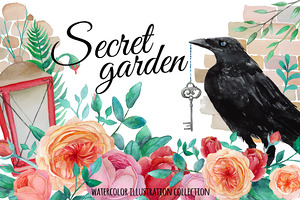
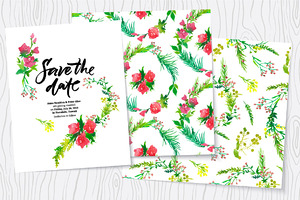
Watercolor graphics tend to share a floral theme, which you’ll see repeated in nearly all the items below. If you’re looking to bring a little bit of nature into your designs, start here.


Type & Fonts


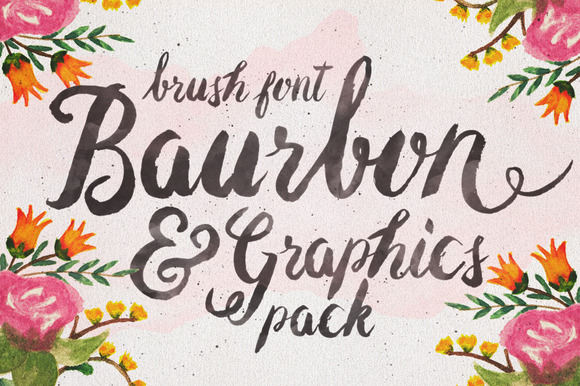
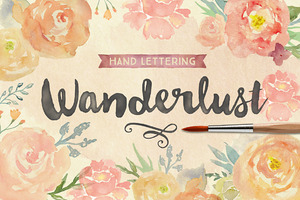
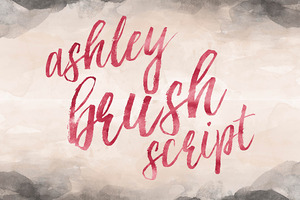
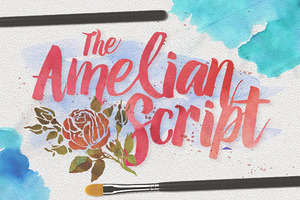
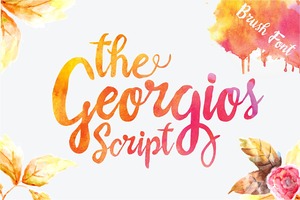
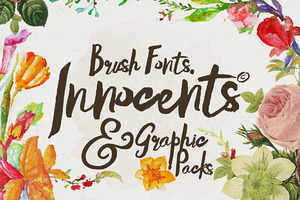
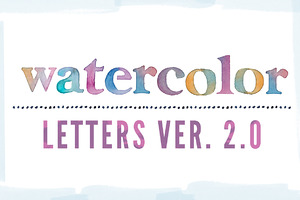
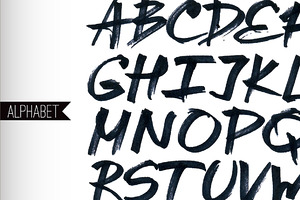
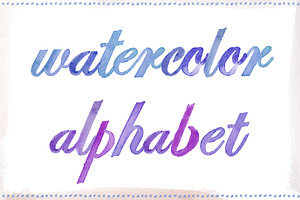
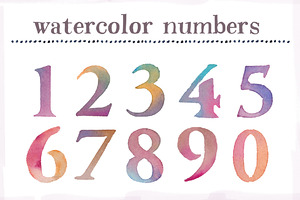
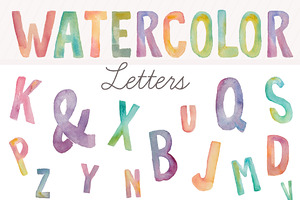
Once you’ve got your watercolor graphics figured out, it’s time to think about type. You can’t just choose any old font either. In order to really hit that watercolor feel for your type, you need something with a thick, brushed feel. Here are some fonts and lettering packs that nail this aesthetic.


Patterns


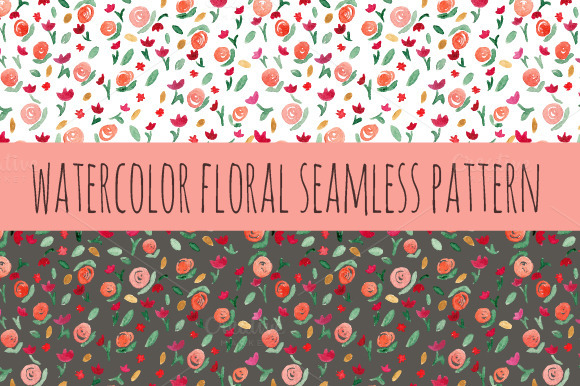
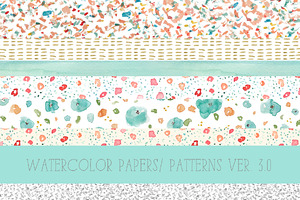
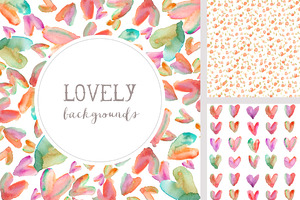
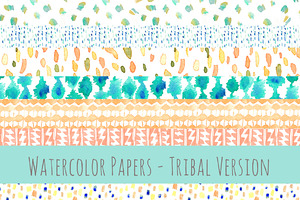
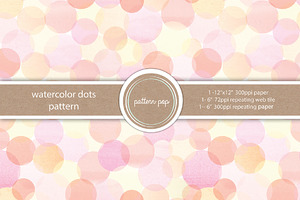
The next two sections have you covered in the watercolor background department. We’ve got patterns and textures aplenty.


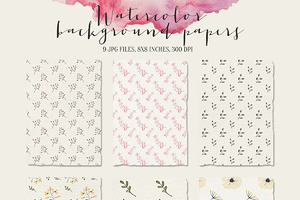
Backgrounds and Textures


Effects


These watercolor effects will allow you to take existing artwork/photographs and apply a watercolor feel. These are really useful for bringing all your best resources into watercolor realm.


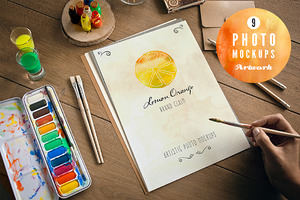
Mockups & Templates


To finish out our huge roundup, here are some great scene mockups and file templates with a watercolor aesthetic. These will help you show off all your watercolor artwork in a usable format.


70 Beautiful Watercolor Graphics, Effects, Brushes, and More