Showing posts with label Yourself. Show all posts

Thursday, March 19, 2015

5 Questions to Ask Yourself Before Going Full-Time Freelance


If you’ve been considering chucking in your day job in favor of the freewheeling freelance lifestyle, you’re in good company. There are currently 53 million Americans participating in some form of freelance work. And of those who are currently freelancing part-time (moonlighting), 1 in 3 are seriously considering going full-time in the near future.


It seems that economic conditions are right for an increased freelance workforce. The question, though, is whether your conditions are right for you to make the transition. Here are five questions to ask yourself before jumping into the full-time freelance lifestyle.


How Much Savings Do I Have?


Before venturing out on your own, evaluate your cash situation. Your on-hand cash situation. Chances are there is going to be a ramp-up period between working part-time freelance and working full-time freelance. You won’t immediately be at maximum capacity, so you won’t be at your full earning potential either. You’re probably going to bleed a little cash at first.


Project About Business Growth
Image Source: Project About Business Growth via Shutterstock.


Most financial advisors would recommend you have enough in your savings account to cover about six months of living expenses. But we’ve seen people venture off with as little as two months’ worth in the bank. If you have less than enough to cover two months of living expenses socked away in savings, you’re not ready to make the transition.


How Much Do I Need to Earn?


It’s time to get realistic. If you’ve been earning a salary up until now, it’s easy to go on autopilot and stop thinking about what exactly you’re bringing in and what exactly you’re spending. Venturing out on your own will not only mean that your income is more sporadic, but it also means you’ll need to earn more. Your income taxes will be higher. You’ll need to pay for your own healthcare, dental care, and vision expenses.


Plus, you will be running your own business — you’ll need money for business expenses: marketing, equipment, supplies, maybe even office space. Figure out at least a ballpark amount for the actual dollars you need to bring in.


Am I Getting Referrals?


One of the best indicators I’ve seen for whether or not someone is ready to go full-time with their freelance work is whether or not they’re getting work through referrals. Drumming up new clients takes an incredible amount of time, effort, energy and money. It’s work you’re not getting paid for. This is why most full-time freelancers get a significant amount of their work through referrals.


The Customer Service Target Market Support Assistance Concept
Image Source: Customer Service Target via Shutterstock.


Their clients find them more clients because these freelancers are good at their jobs, and they know how to make their clients happy. If you aren’t getting consistent referral work, you might not be ready to make the leap.


Am I Getting Long-Term/Repeat Clients?


Similar to that last question, you should ask yourself, Are my clients coming back for more? Are they offering me long-term projects that will keep me busy for a few weeks or a few months? In an ideal situation, you could jump to full-time freelance with at least one long-term project waiting for you — that’s income you won’t have to pull out of thin air.


Working Notepad Customer Service Satisfaction Loyalty Concept
Image Source: Customer Loyalty via Shutterstock.


But getting recurring clients is important for another reason: It means you’re doing a good job. You’re communicating well. Your prices are good (or at least low). If your clients aren’t coming back, you need to figure out why before you’ll be ready to venture out on your own.


Do I Have My Business Organized?


You don’t have to be a business expert to make it as a freelancer, but you do need to be organized. More than ever, your time is money. Nobody will pay you to send out invoices, track expenses, follow up on payments.


So for your own sake, get a system. Keep things organized. Be extremely efficient when doing unbillable tasks. There are a lot of great tools out there to help freelancers with this type of stuff. For example, web design software that makes invoicing super easy (shameless plug). Shake makes an app that creates contracts for you. Trello helps you keep your projects organized.


Whatever tools you decide to use, getting a system in place ahead of time will save you a lot of stress later on.


Concluding


So let’s regroup. How are you feeling? What’s your confidence level? If you answered yes to most of the questions above, chances are you’re in a good position to make the transition into full-time freelancing. Or at least you’re as ready as you’ll ever be. If you answered no to most of these question, don’t be discouraged. You might need a bit more time to hone your craft, build up your client list, or refine your business skills.


Even so, you could be just a few months away from the freedom, exhilaration and absolute terror that is the freelance lifestyle.


The post 5 Questions to Ask Yourself Before Going Full-Time Freelance appeared first on Speckyboy Web Design Magazine.


5 Questions to Ask Yourself Before Going Full-Time Freelance

Tuesday, February 24, 2015

Treat Yourself to One of These Ten Amazing Deals for Designers

Being a designer involves a lot of passion and talent. It also involves a lot of time spent looking for deals on resources and tools to help you be a better designer. We’ve thought we could help out a little and compiled a list of the top 10 best deals we could find online right now.


1. Mighty Deals


1

Mighty Deals is a Daily Deals website that doesn’t occasionally offer deals on web resources and occasionally tempts you into buying a stuffed tiger that’s 50% off. Might Deals only offers deals on web development and design resources that you can actually use. The team at Mighty Deals is always looking for new deals to offer you on tools like professional templates (WordPress, Drupal, Facebook), web development lessons, Photoshop actions and more. The discounts they offer range from 40% up to 90% and you can download the resources from their website without having to create an account or pay any hidden fees. The only catch about this deals website is that their offers are only available for limited amounts of time. In order to keep up with everything that’s going up on sale you should sign up for their newsletter. It’s the perfect way to find out about all their amazing deals, like the deal they currently have for Nimva. Nimva is the ultimate WordPress theme, designed to suit both business and portfolio websites. This theme is completely eCommerce ready, comes with the Contact Form 7 plugin, 9 hours of extensive tutorial video to help you set it up and it’s only .


2. MyDesignDeals


2

What makes the web design industry so cool is that it’s continuously changing. New add-ons, filters and effects are always popping up from different corners of the Internet, created by amazing artists from all over the world. Wondering how to keep posted on the latest releases so that you can stay on top of your game and deliver awesome project after awesome project? Luckily, we have the answer. MyDesignDeals is the best place for designers, built by designers. They offer amazing discounts on a wide variety of high quality design resources. Ranging from calligraphic vector elements and icon bundles to stylish fonts and textures, MyDesignDeals has got you covered. Their site stands out from the crowd because the team insists on quality and tests every item before putting it on sale. Also, each of them comes with a personal review. This way you can get the full picture about the product before hitting the “Buy now” button. Are you ready for staggering discounts on professional quality resources? Then head over to MyDesignDeals to convince yourself of their products’ quality. Also make sure to check out one of the most popular deals of all time in The 164 Best Photoshop Styles on the Planet.


3. Logo Design Team


3

Nowadays it’s not easy to stand out from the crowd and get your business noticed. Among all the aggressive marketing campaigns and cheap commercials, the team at Logo Design will help you create the perfect polished logo for your company. Their team has designed over 1 million logos and has helped over 200,000 brands to become well-known and successful. To say they are experienced would be an understatement. They are the best at what they do because they are dedicated to deliver only the best results on every project. At Logo Design Team you’ll be in good hands and your feedback will be highly valued. They have a quick and easy design process and they also handle brochures, banners, flyers, posters, illustrations, caricatures and social media graphics. Their designs are guaranteed to make a long lasting impression on your customers and help you stand out of the crowd with an impressive logo. Don’t miss out the chance to get a 10% discount on any order with the coupon code MYD10.


4. DealJumbo


4

DealJumbo is the place where free downloads mix perfectly with amazing deals. This online repository for design resources offers both attractive deals on tools created by the best design shops out there, and a varied array of freebies. If you’re a hard working designer, you deserve to treat yourself to some of these first-rate resources available on DealJumbo. They will not only improve your workflow, they will save you a lot of money. Go to DealJumbo right now and check out the deals they have on bundles like Best Sellers Mega Bundle v2 that features 46 items from 9 premium design shops, 5in1 Mega Bundle v4 with the best custom fonts collected from 5 design shops or the 5in1 Mega Bundle v1 with the best logo/badge templates available. In order to make sure you never miss out on one of DealJumbo’s amazing offers, subscribe to their newsletter right now. Also check out the freebies section for amazing fonts and mock-ups that you can download for free.


5. Hostoople


5

Hostoople has been named the best web hosting service in 2014 and it’s easy to see why. They offer a varitey of services like reseller hosting, VPS hosting and collocation hosting at competitive prices. For example, for collocation hosting, Hostoople offers 4 plans: Single Server, 2 Servers, Managed and Managed 2 Servers. Each of these plans comes with 6 IPs, 2 Amps, Single Outlet, UPS Protected Power, Generator Backup power, 1000 Mbps 4TB Bandwith, Free Set Up of Server and more. And this isn’t all they offer. Hostoople has a variety of bundles that are designed to answer your needs according to the type of website you’re making. They have a bundle for eCommerce with CubeCart, Magento or Zen Cart. They have a bundle for blogging with tools like WordPress, Dotclear, Open Blog and more. And they also have a core features bundle with 24/7 support 365 days, unlimited domains, unlimited MySQL servers, cPanel Control Panel and much, much more.


6. Elegant Themes


6

Nowadays the Internet is saturated with WordPress themes, but few of these can deliver what Elegant Themes does: unique designs, reliability, impeccable customer service and one of a kind features. The best way to see all these qualities is by looking at their flagship theme, Divi. Meet the most flexible and powerful tool out there that will take your website from dull to stunning in just a few minutes. And you won’t even have to touch a single line of code. Divi comes with a lot of cool features, like the Divi Builder and the Divi Modules, which were created with user experience in mind. The Builder will transform elements in visual building blocks, allowing everyone to understand and edit a page’s layout. In addition to this, the Modules incorporate unique options that will give you full control over customizing your website and achieving the layout of your dreams. Don’t miss the chance to take advantage of their 20% developer subscription discount right now.


7. AnimatedVideo


7

Videos are a fun and efficient way to get your point across and really keep your viewers captivated. Unlike a block of text, which is often not read carefully, animated videos are the way to go if you want to increase your conversion rates and raise awareness. AnimatedVideo is a team of professionals who will help you do just that. Enhancing your visibility and standing out in the competition is their specialty. They can deliver any type of videos: corporate, marketing, tutorials, entertainment, kids or even explainer videos. You will be consulted on each step of the video production, so you can rest assured the final result will meet to your every wish. AnimatedVideo will take your ideas and transform them into reality with the help of a creative storyboard, characters, colors and voiceover. It’s up to you if the voiceover is done by a professional voice artist or using software. Either way, your animated video will help you attract viewers quickly and keep them interested.


8. Templates-master


8

Looking for a way to increase your conversion rate and your sales figures? The Firecheckout extension for Magento powered stores is fully AJAX based, which makes it fast and highly efficient. Firecheckout gives your customers a great mobile checkout experience, which in turn leads to the increase of mobile conversion rates. To help you improve your clients’ shopping process, Firecheckout lets you add up to 5 custom fields on the checkout page. It also allows you to choose between a minimalistic 3-column layout and a user friendly 2-column layout. The Geolocation feature is supported and it will locate your users’ country, city and state thanks to its awesome geolocation technology. And the delivery date option will allow your customers to choose when to have their order delivered. Supporting all popular payment and shipping methods out there, the Firecheckout extension is available in 11 languages and will help you increase your conversion rates and keep your clients happy.


9. DesignVitamins


9

Professional, high quality design resources are a vital part of any designer’s projects. They can get you out of a creative rut by taking your project from dull to awesome. DesignVitamins was created to help art enthusiasts gain access to a huge collection of design items. Whether you need stock vectors, PS brushes, AI and PS add-ons, UI elements, tutorials, backgrounds or textures, DesignVitamins has got you covered. Browse through their impressive library of 33,000 items and take your pick. You won’t have time to get bored by what they’re offering, especially since they add 1000 new elements to their collection each month. If you want to take a look and convince yourself of the amazing quality, try their Rookie plan, which is free and offers you one download. Once you’re ready to commit, choose between their most popular pricing plan, the Designer, or the Studio. Both of these offer unlimited downloads and extended license.


10. Inky Deals


10

Inky Deals offers the best deals on design resources you’ll find anywhere. Go to their website and you’ll find offers like Mythical creatures & Greek Mythology vector bundle at a 91% discount, 800 vector illustrations with extended license at 995 discount or 11 WordPress themes at 93% discount. Need we say more? Because there is more. Inky Deals has one of the best money back policies anywhere. If you’re unhappy with your purchase, you not only get your money back, you will also be able to continue using that resource. Inky Deals is also offering one of the most amazing deals with their design bundle that comprises 471 premium resources with full royalties. The discount? 100%. Yes, all those lovely design resources can be yours for free and you will be able to use them any way you like without any additional fees. Check out Inky Deals and see what other deals and discounts look appealing to you.


Treat Yourself to One of These Ten Amazing Deals for Designers

Tuesday, January 13, 2015

Better Yourself in 2015: 20 Educational Sites to Level Up Your Skills

Happy 2015! This year, instead of bothering to make some New Year’s resolution you won’t keep, why not start things off with a new positive routine? Whether you’re looking to completely change your career or simply keep up your skills to stay employable, online education offers the solution. Here are the top 20 sites with free or affordable courses on everything from programming to photography.


1. Khana Academy


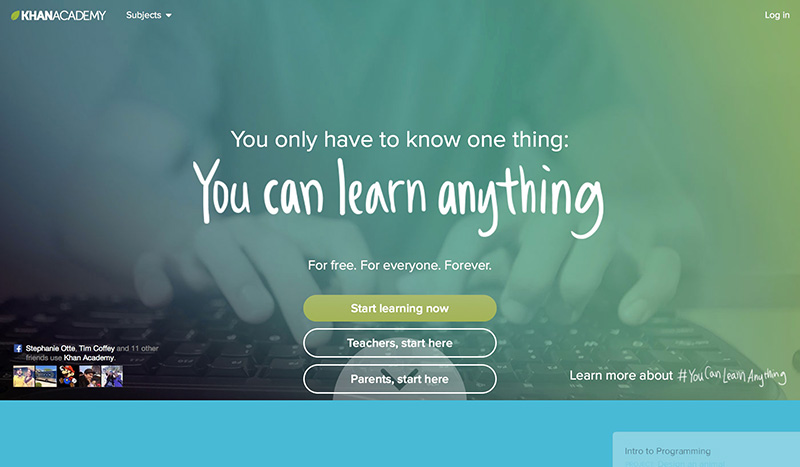
Khana Academy is focused on a variety of basic subjects, from algebra to organic chemistry. Those who want to start out with their Computer 101 can learn web design, coding and HTML in hour chunks of time.


Educational-Sites


2. Code Academy


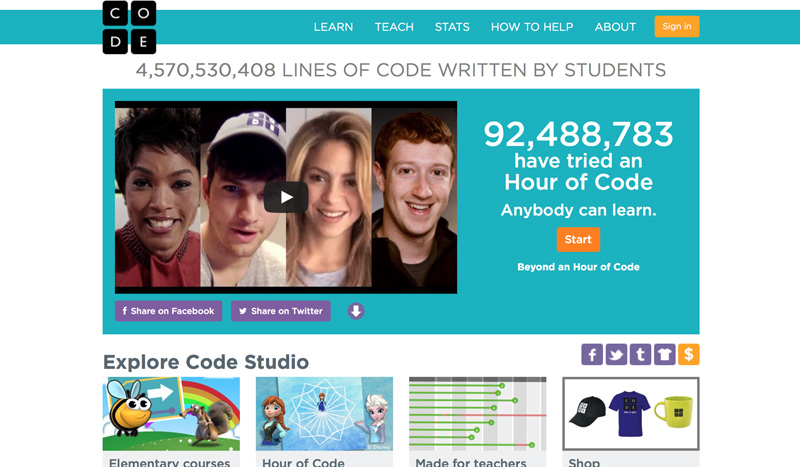
Designed to bring Computer Science into the classroom, Code.org uses games to teach the basics of coding. Learn to code, to use JavaScript, to build apps and more in one hour chunks of time.


Educational-Sites


3. CodeHS


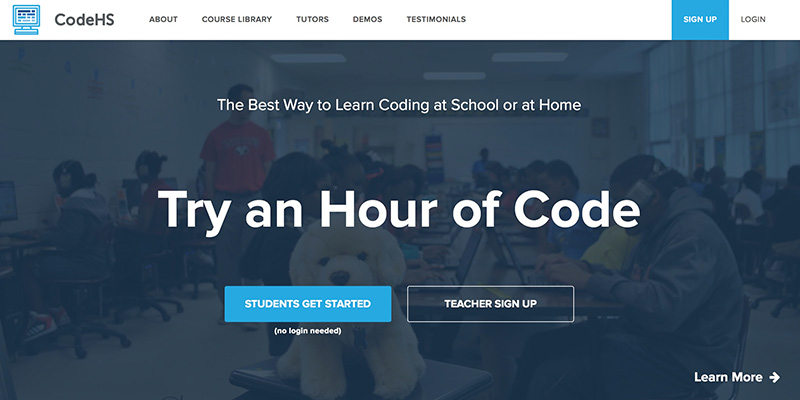
Another coding website targeted towards students, CodeHS offers computer science courses like Java and web development. Personal tutors help students of all ages excel at their new computer skills.


Educational-Sites


4. Code School


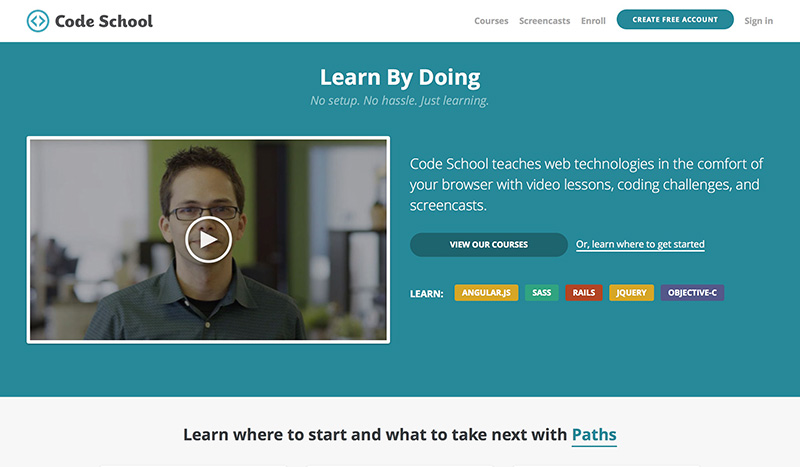
Want to get beyond the basics of HTML and Java? Code School includes courses on modern programming like iOS development, Git and Ruby, in order to catch you up to speed. Use screen casts and interactive exercises to code and receive badges.


Educational-Sites


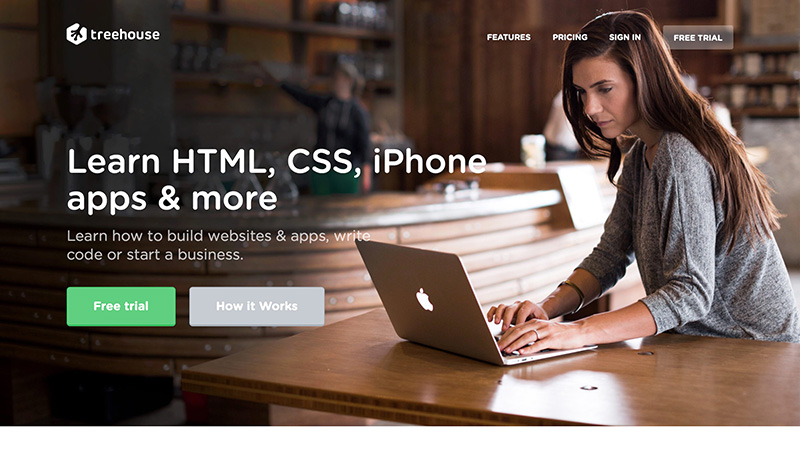
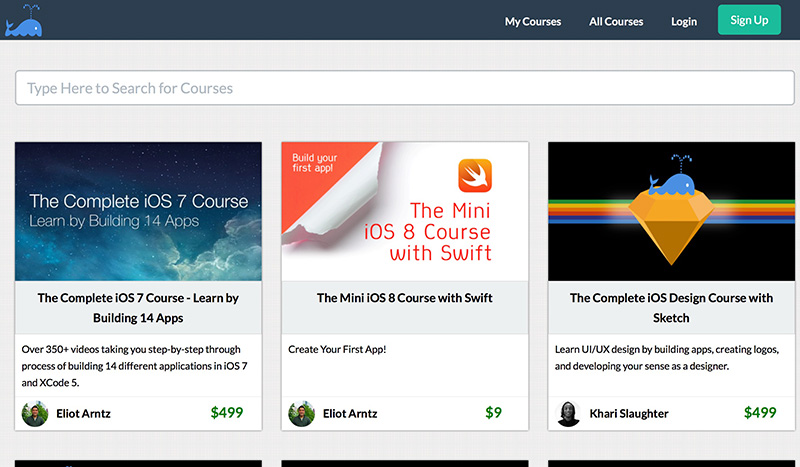
5. Treehouse


This paid program, which starts at per month, helps users learn languages like HTML and Ruby on Rails. Another offering? Discover how to run your own business with the Treehouse career and branding courses.


Educational-Sites


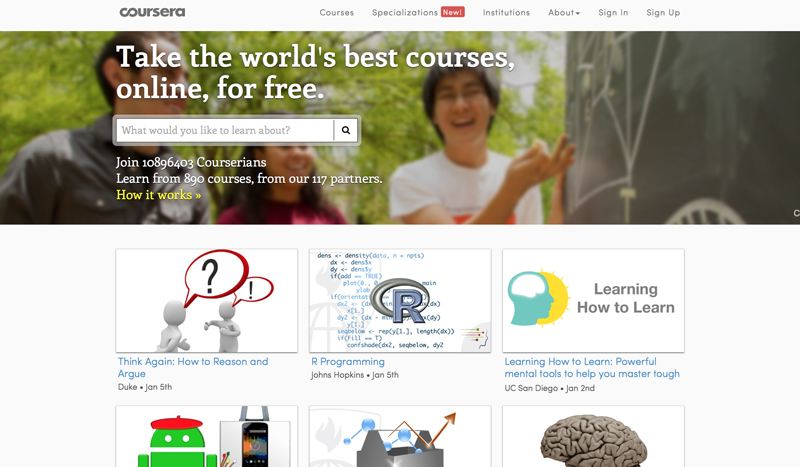
6. Coursera


Coursera pairs with worldwide institutions to provide courses on everything from digital marketing to data mining to global affairs.


Educational-Sites


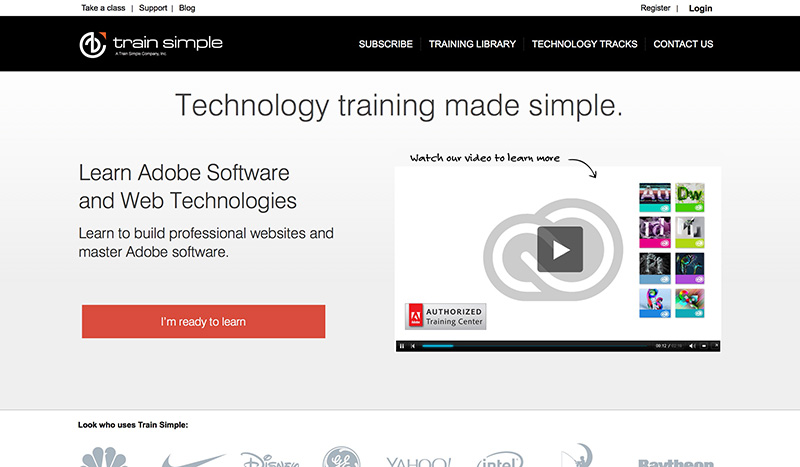
7. Train Simple


Used by brands like Nike and DreamWorks, Train Simple is an on demand educational series accessible from all of your devices. Learn Adobe, WordPress, Illustrator and more. Trying to pick up a new hobby? Try using Train Simple’s photography and DSLR tutorial.


Educational-Sites


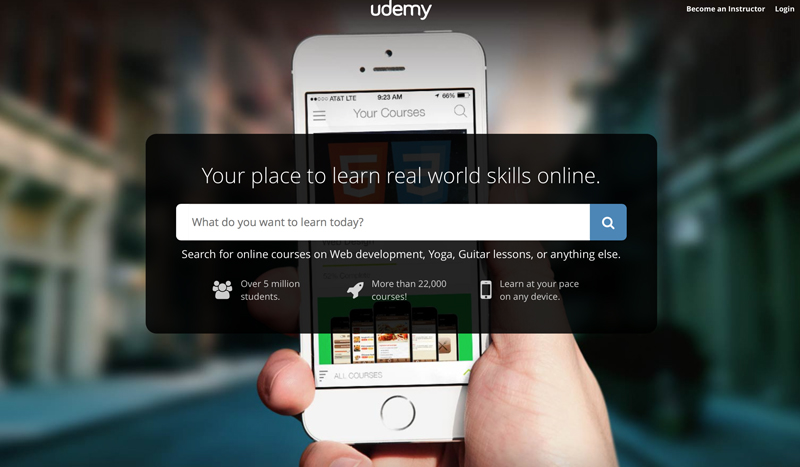
8. uDemy


Want to learn something beyond computer skills? uDemy offers courses in guitar, makeup, yoga and almost anything your heart desires. The prices depend on the class, so hurry on over to start learning today.


Educational-Sites


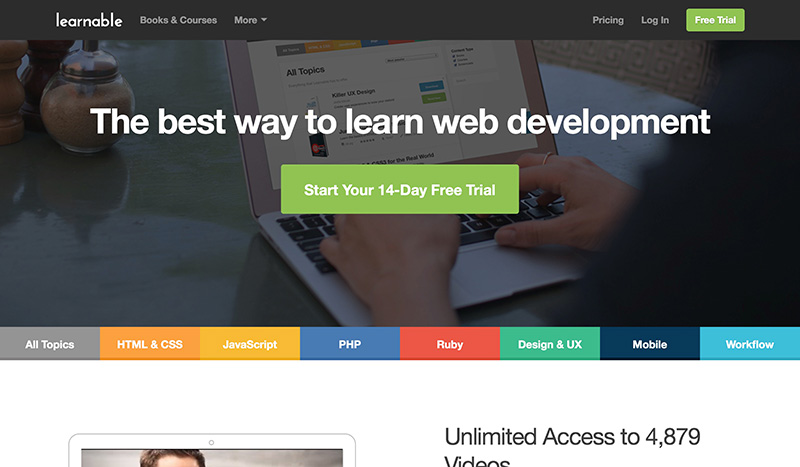
9. Learnable


Learnable varies from other online learning models by providing access to e-book on top of online courses. With video tutorials and live chats, this atmosphere is engaging for users who want to go beyond reading and trying programs on their own.


Educational-Sites


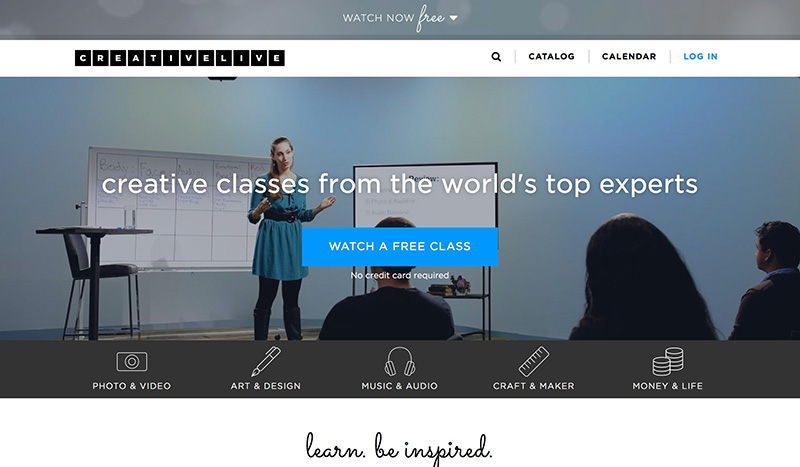
10. Creative Live


Creative Live provides access to live video training across a variety of topics for entrepreneurs, marketers, designers and more. Classes include multiple videos with shots of real people to make learning feel like a classroom or forum series.


Educational-Sites


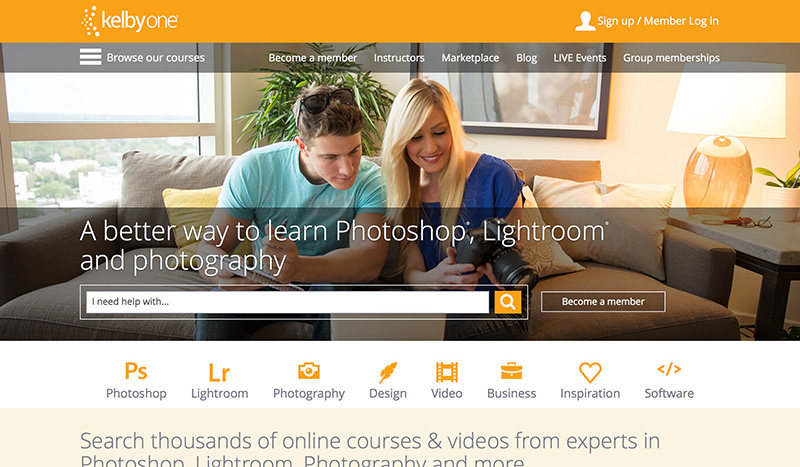
11. Kelby One


Another forum focused on videos and online courses, Kelby One provides expert training in photography, Lightroom and Photoshop, with options suitable for beginners to professional photographers.


Educational-Sites


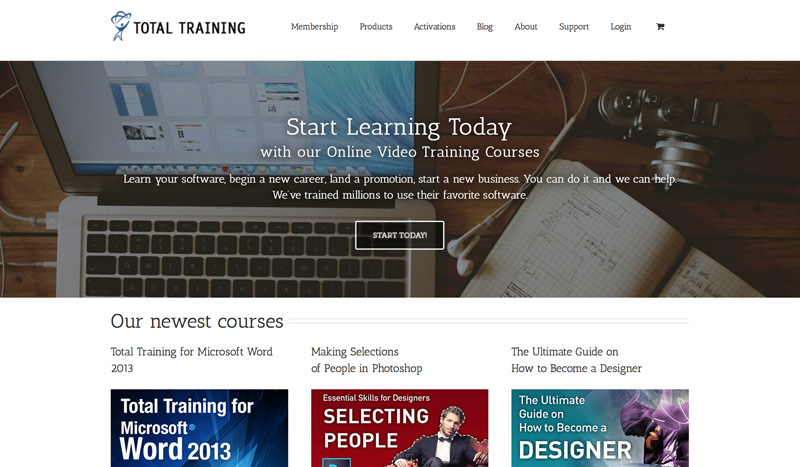
12. Total Training


Total Training provides expert-led video training that also offers one-on-one training throughout the course. You’ll be able to complete exercises while watching the courses, mimicking a classroom setting. This website focuses on over 240 courses in technology and music.


Educational-Sites


13. Bitfountain.io


Are you an Apple lover? Bitfountain.io focuses on iOS software to build your own programs for iPhone and iPad.


Educational-Sites


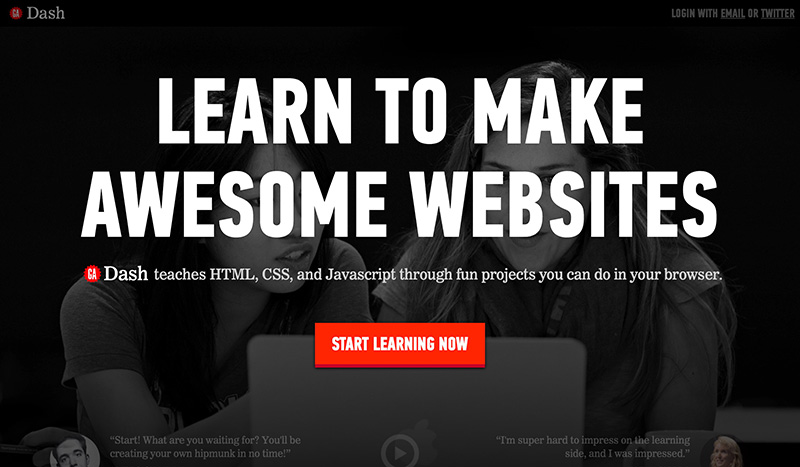
14. DASH


Whether you want to build awesome websites with HTML, Java or CSS, DASH makes learning code a fun game.


Educational-Sites


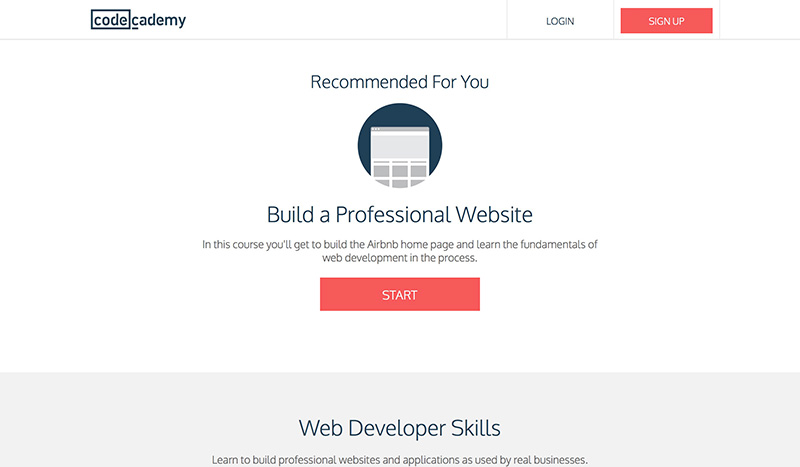
15. Code Academy


Code Academy focuses on the basics of coding so you can learn how to build your own website, interactive website or Rails application. Focusing on education, join the movement to make technology the forefront of learning.


Educational-Sites


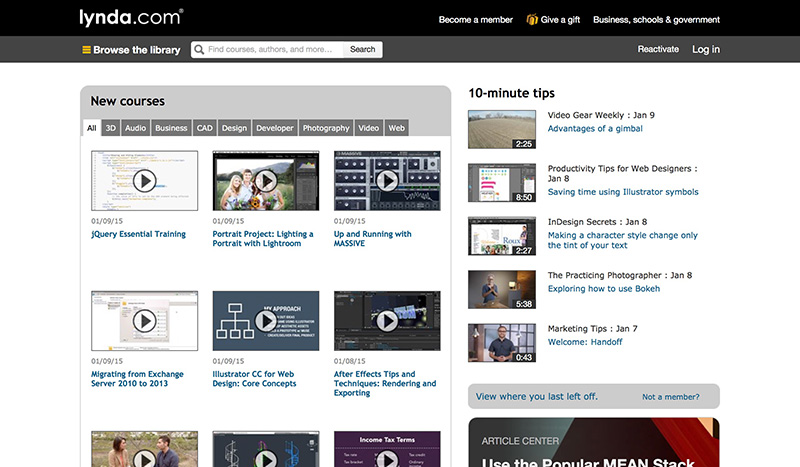
16. Lynda


Lynda is a monthly subscription service. You get unlimited access to courses and videos in anything from technology to going paperless to small business secrets.


Educational-Sites


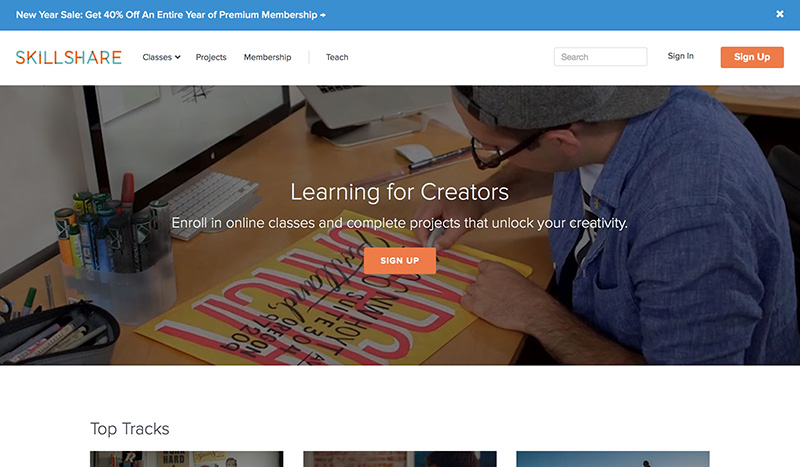
17. Skillshare


Skillshare is a membership website targeted towards creatives. You can join for free and learn with free classes, or upgrade your membership for offline viewing and supporting teachers on the website.


Educational-Sites


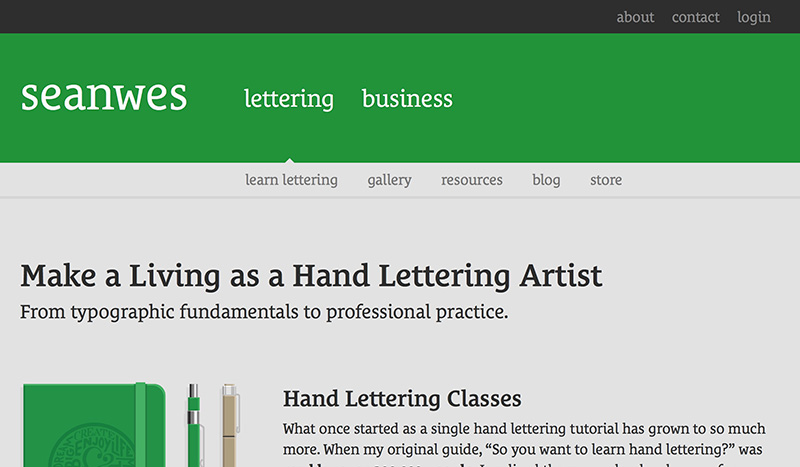
18. Seanwes


Are you on the computer too much? Go back to the basics–we mean real basics–with Seanwes, learn offline hand lettering with this course.


Educational-Sites


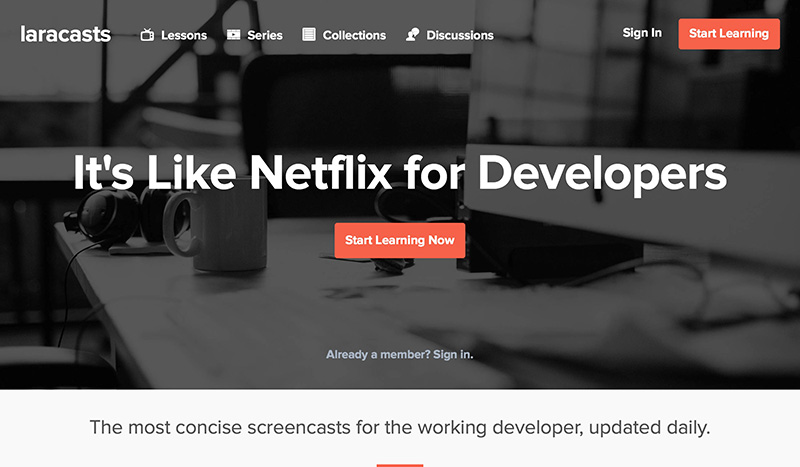
19. Laracasts


Learn technology in bite-size videos for PHP techniques with Laracasts.


Educational-Sites


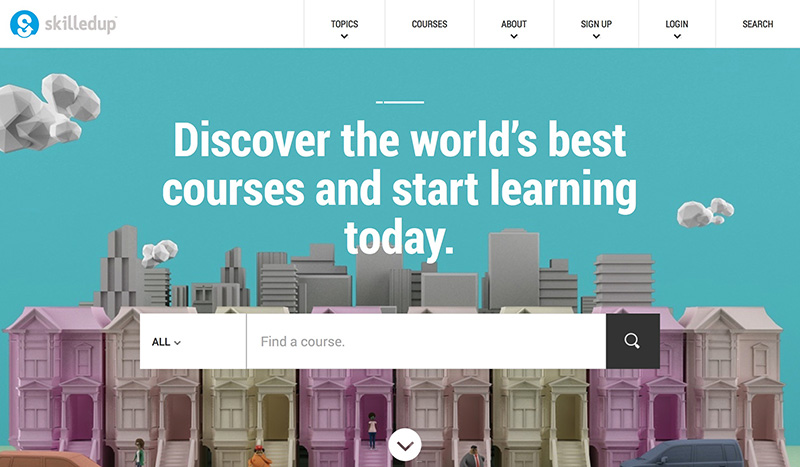
20. Skilledup


Find online courses that help you with business skills, including marketing, job searching and technology applications with Skilledup.


Educational-Sites


Where Do You Go To Learn Online?


This list represents our favorite educational sites, now it’s your turn. Where do you go to learn online? What sites have you found helpful recently?


Better Yourself in 2015: 20 Educational Sites to Level Up Your Skills

Monday, December 15, 2014

Acquainting Yourself With the Specifics of the Printing Process


For graphic designers in this day and age an increasing amount of the day’s workload is prepared for the digital medium. The move to a digital environment has elevated work destined for print to a more exact practice, requiring adjustments to the finished product that might not be immediately apparent.


In this article we’ll be taking you through some of the nuances of preparing print-ready posters with optimisation tips to have things rolling off the press as smoothly as possible. However, just as with digital work the best place to start is with a solid understanding of what the client wants.


If you’ve been given a solid brief, you’ll be able to get your head around the specifications of the job. For example, are you adapting logos and branding that have been designed in-house, or are you responsible for moving that branding forward with a redesign?


What’s Different between Print and Digital?


If you’re used to mainly digital work, be sure to distance yourself from that mindset and go into things with a fresh pair of eyes. In a lot of ways it can be liberating no longer having to worry what a design will look like on mobile phones and tablets, or worrying about what the alt text on a certain graphic would be.


Presenting your work in CMYK can stop anything getting lost in translation


On the other hand, screens go on pretty much forever within the limits of good taste, posters definitely do not. It can be surprising to see how many habits designers have picked up since the dawn of the digital age which seem second nature to the job now.


Find out who is printing the poster. It’s possible that they’ll require final templates to conform to different specifications, a quick email now to confirm can save tedious reworking and fiddling further down the line.


  • What file format is the printer looking for? You’ll usually be asked for a .pdf.

  • Is file size an issue?

  • What colour mode does the printer use? Printers mainly use CMYK.

Get to Know Your Audience


What about the differing impact print has on the audience? After all, although the skills you’re employing to design your poster are fundamentally the same as preparing, say, a flyer to post on social media, the way your audience interacts with them are profoundly different.


The web is a highly interactive medium, any work you do there will be presented with accompanying links for those wishing to know more. With print you’re working in inches, not pixels and you need to convey your message at a glance, but in a way that then demands further attention.


Your ace in the hole here is that you’ll be producing a design to go on a physical product. Be sure to fully capitalise on the emotional connection that comes from having an audience see your design in the flesh and not just on a screen.


When considering the target audience, do so not only in terms of design, but also delivery. How is the final printed piece going to be distributed? What size will the printed poster be?


  • A4 will suit customers handling the poster similar to a flyer.

  • A3 is best for small or medium venues where it can be viewed fairly close-up.

  • B1 is for use in display stands on the high street, in train stations or similar.

A lot of this is likely to be covered in your initial meetings with your client, or can be easily caught up on now you know what questions to ask. What tends to cause a lot of back and forth between designers and printers (sometimes with the mutual client as a frustrated go-between) are the technical specifications to bear in mind at the design end of things.


As mentioned before, the RGB colour mode is used mainly on displays like computer monitors. Printers favour CMYK as it worked better in a subtractive colour scheme, resulting in a wider range of better colours.


Presenting your work in CMYK can stop anything getting lost in translation. The most common applications used by designers, Photoshop, InDesign and Illustrator all provide the means for you to switch to working in this mode.


Presenting your work in CMYK can stop anything getting lost in translation


Consider what the poster will be printed on, using what. What ink does the printer use? What paper will the poster find itself on in its tangible form? Without detailing all the major combinations thereof in impossible depth, suffice to say that a quick bit of research can net you some handy hints as to what colours might look best.


For example, your printer could be using soy based inks, which are eco friendly and cost effective, that give you beautifully rich colours and have a low resistance when it comes to rubbing off. On the flip side, if you’re printing window stickers or metallic boards, your printer will use white inks so careful consideration of how that contrast will work for your design.


Elanders uses wet inks which allow the paper to absorb the ink rather than laying on top of the paper in a similar fashion to toner printers. As for paper, if your printer is using a digital press, they tend to utilise SRA3 paper whereas lithographic or offset presses use 80gsm thin paper, which is ideal for books. They, however, use a 400gsm board that they find to be ideal for most printed communications such as invitations and greetings cards.


Know Where Your Print Is Coming From


Just as important as the materials used is the method used. You and your client will likely be faced with the choice between lithographic printing and digital printing. The former, also known as offset printing, works by transferring the inked image onto the printing material by means of a plate and rubber roller. The plate transfers the ink to the paper, attracting the inks loaded into the print machine. Meanwhile, the non-imaged areas attract a water-based film that keeps them clear.


You and your client will likely be faced with the choice between lithographic printing and digital printing


Digital printing, on the other hand, uses an image which is transferred directly onto the medium chosen for the poster. It probably goes without saying that the setup costs for a run of digital printing are far lower than an offset equivalent.


Digital printing lets you personalise documents, not so handy for posters but useful for projects like a direct mail campaign. It can be set up easily, allowing you to print on demand and stay in control of your costs. Overall, it’s the far cheaper option.


That being said, offset printing has its place. Where digital printing tends to use A3-sized plates, offset printing uses plates of B1 size, roughly nine times larger than an A4 sheet. This makes offset printing more suited to larger print runs and lets you turn out huge volumes of print at the highest quality. Maps, brochures and other large-scale print jobs which require immaculate precision are best handled with offset printing.


Presenting your work in CMYK can stop anything getting lost in translation


The transition between working for digital and print can be a tricky one. Thankfully, by spending a little time acquainting yourself with the specifics of the process your printer will be using, you can ensure that your design skills translate as well as possible.


Image Source: Icon Series in Flat Colors Style via Shutterstock.


The post Acquainting Yourself With the Specifics of the Printing Process appeared first on Speckyboy Web Design Magazine.


Acquainting Yourself With the Specifics of the Printing Process

Thursday, November 27, 2014

Treat Yourself to Some New Design Resources

Last week I shared the news of Design Cuts’ Birthday Bonanza celebrations and posted a list of popular fonts bundles I thought you guys might be interested in. It turned out you were so keen to grab them that you crashed their whole site! Alongside tasty fonts, general design resources also seem to be popular with my readers, so this week I’ve selected the best collections of vectors, brushes and actions that had previously expired, but are now available again for a limited time only.


Unfortunately this deal has now expired
Join the mailing list to be the first to hear about awesome offers like this in the future!


The All Inclusive Design Bundle


The All Inclusive Design Bundle


If you would like a bit of everything, the All Inclusive Design Bundle is a great choice. This deal is a mix of best-selling items from top creative marketplace authors, including fonts, vectors, textures, brushes, Photoshop actions, stock photos, and so much more! With a regular price 6, you’re really getting a fantastic deal with it being discounted to just .


Grab this deal now!


The Gigantic Vector Elements Bundle


The Gigantic Vector Elements Bundle


Have you ever wanted a whole stock vector library to yourself? The vector bundles that are being re-run are packed full of all kinds of resources. The Gigantic Vector Elements Bundle in particular has some lovely textures, floral patterns and vintage illustrations.


Grab this deal now!


The Ultimate Creative Vector Elements Collection


The Ultimate Creative Vector Elements Collection


The Ultimate Creative Vector Elements Collection is another variety pack of vector resources. The majority of items in this collection have been drawn by hand, giving your work an authentic creative feel.


Grab this deal now!


Go Media’s Ultimate Vector Collection


Go Media’s Ultimate Vector Collection


Go Media always springs to mind when you think of amazing vector resources. This 93% discount on their Ultimate Vector Collection was one of the early deals Design Cuts offered, so there’s a chance you might have missed it. This is a great opportunity to grab an awesome deal that expired a long time ago.


Grab this deal now!


4 bundles. 1000s of items. Up to 97% off!


These four deals were previously run for a limited time, so it’s great to have them available for a second time all at once! With discounts of up to 97% they’re exceedingly good value individually, but together they make a vast library that will cover you for all kinds of design projects. Check out the full listings of each deal and see which elements take your fancy.


The post Treat Yourself to Some New Design Resources appeared first on Blog.SpoonGraphics.


Treat Yourself to Some New Design Resources