Showing posts with label Five. Show all posts

Friday, May 29, 2015

How Janna Hagan Made Over $5,000 in Five Months On Creative Market

Janna Hagan is a designer living in Toronto, Canada. Before starting her new job as a designer at Shopify, she had some down time and decided to try her hand selling digital goods on Creative Market. Five months later, her shop has made over ,000 in sales!


How She Did It


Janna has some great advice for others looking to replicate her success. In a recent blog post, she outlined four techniques that she used to create products that sell. You’ll see how she tried to identify gaps in the market and used free goods to promote her shop.


Janna’s Products


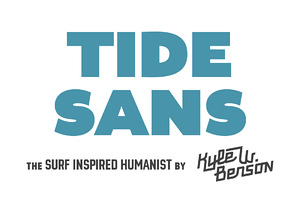
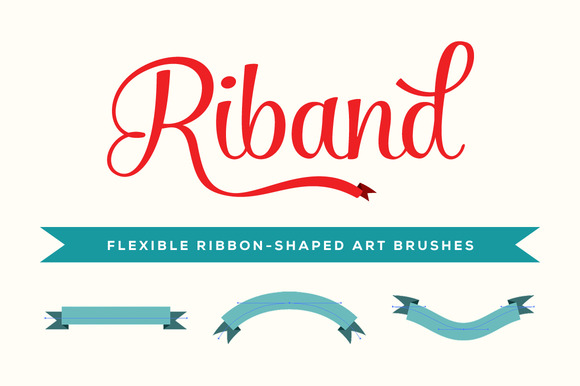
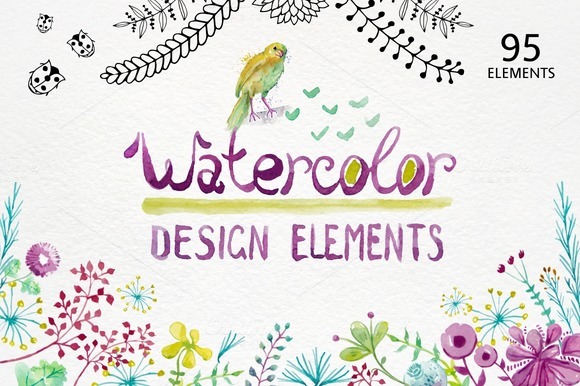
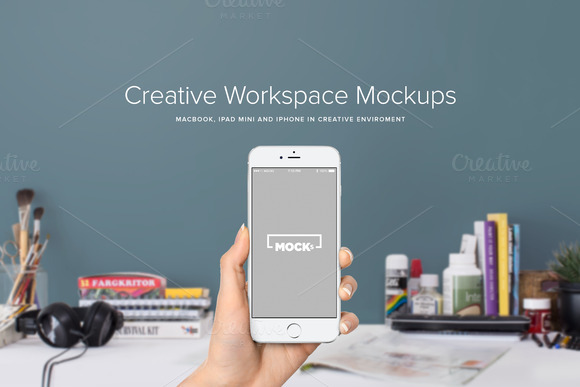
Below is a small sample of some of my favorite products from Janna. Be sure to read her tips and stop by her shop to see her awesome work.


Tell Us Your Success Story


If you have a Creative Market success story like Janna’s, we want to hear it. Write up a post, throw a tweet at us, and we’ll share it with the world.


How Janna Hagan Made Over $5,000 in Five Months On Creative Market

How Janna Hagan Made Over $5,000 in Five Months On Creative Market

Janna Hagan is a designer living in Toronto, Canada. Before starting her new job as a designer at Shopify, she had some down time and decided to try her hand selling digital goods on Creative Market. Five months later, her shop has made over ,000 in sales!


How She Did It


Janna has some great advice for others looking to replicate her success. In a recent blog post, she outlined four techniques that she used to create products that sell. You’ll see how she tried to identify gaps in the market and used free goods to promote her shop.


Janna’s Products


Below is a small sample of some of my favorite products from Janna. Be sure to read her tips and stop by her shop to see her awesome work.


Tell Us Your Success Story


If you have a Creative Market success story like Janna’s, we want to hear it. Write up a post, throw a tweet at us, and we’ll share it with the world.


How Janna Hagan Made Over $5,000 in Five Months On Creative Market

Thursday, May 21, 2015

"Make It Pop!" Five Ways to Up Design Impact and Make Clients Happy

“Make it Pop” is probably the most feared, incomprehensible and downright horrible phrases in the English language. Designer English, that is. Clients often use the phrase “make it pop” when a logo or marketing design is close, but not quite at the level of “punch” they are looking for. “Make it pop” generally refers to making a logo or design brighter, larger, more prominent or giving it higher levels of contrast. In short, the client is looking for more impact from the design. While designers know what “making it pop” means, they may not always be sure about the most effective and efficient route to making it happen. Here are five targeted ways to make designs “pop” and ultimately make clients happy.


1. Dial up the color intensity


“Making it pop” may require minimal work, especially if the client indicates that they are pleased with the overall design and font choices. If this is the case, play with existing color hues and intensities. Try more saturated and vibrant tones, being mindful of bringing out contrast in key areas to draw the eye around the design appropriately.

hsb


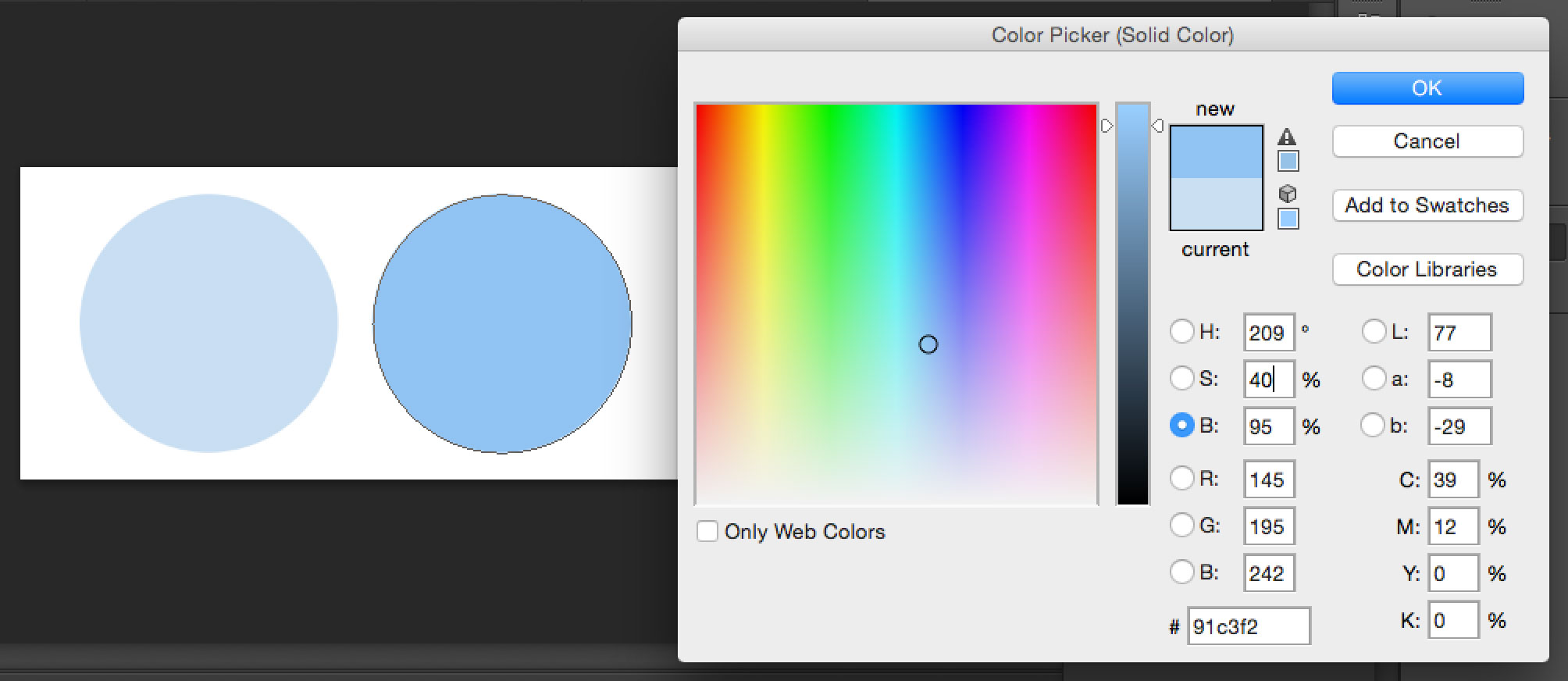
Available in the Adobe color picker, the HSB (hue, saturation, and brightness) color model is based on the way the human eye sees color. Try increasing the S (saturation) percentage next time you are trying to dial up a color’s intensity.


2. Try different color combinations


If the client is less satisfied with the overall color direction, change it up; take the logo or design in three or four completely different color directions for the client’s review.


Browse_Palettes____COLOURlovers


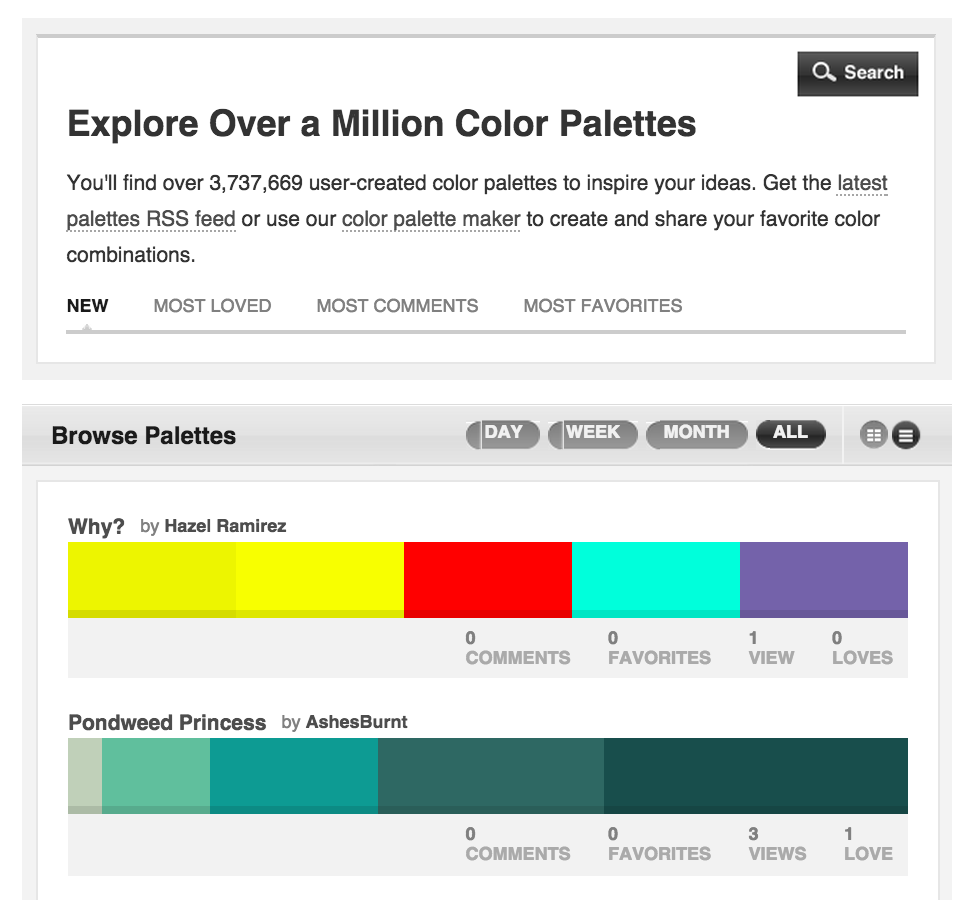
Colourlovers.com can help any designer find an attractive palette while sourcing inspiration from thousands of designers around the world.


3. Play with text hierarchy


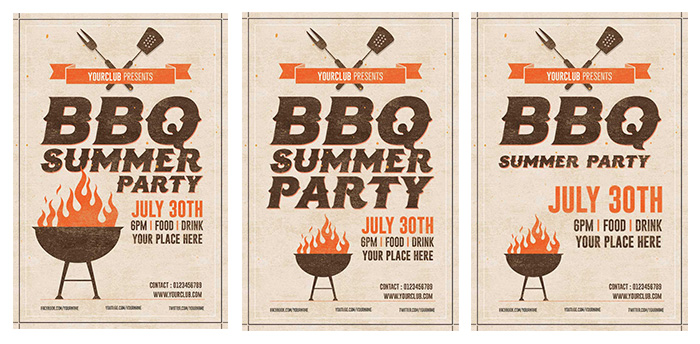
When a client asks a designer to “make it pop” they may actually just want part of the included text to appear more prominent than others. Try changing around the font sizes in the piece to experiment with text hierarchy; doing so could be just what’s needed to bring the perfect amount of “pop.”

bbqflyers


Don’t be afraid to experiment. Gauge the importance of specific words in your design and play around with their size and prominence. In this example, we’re experimenting with a summer flyer by shifting emphasis on the words BBQ, summer, party and the event date.


4. Try out a different typographic scheme


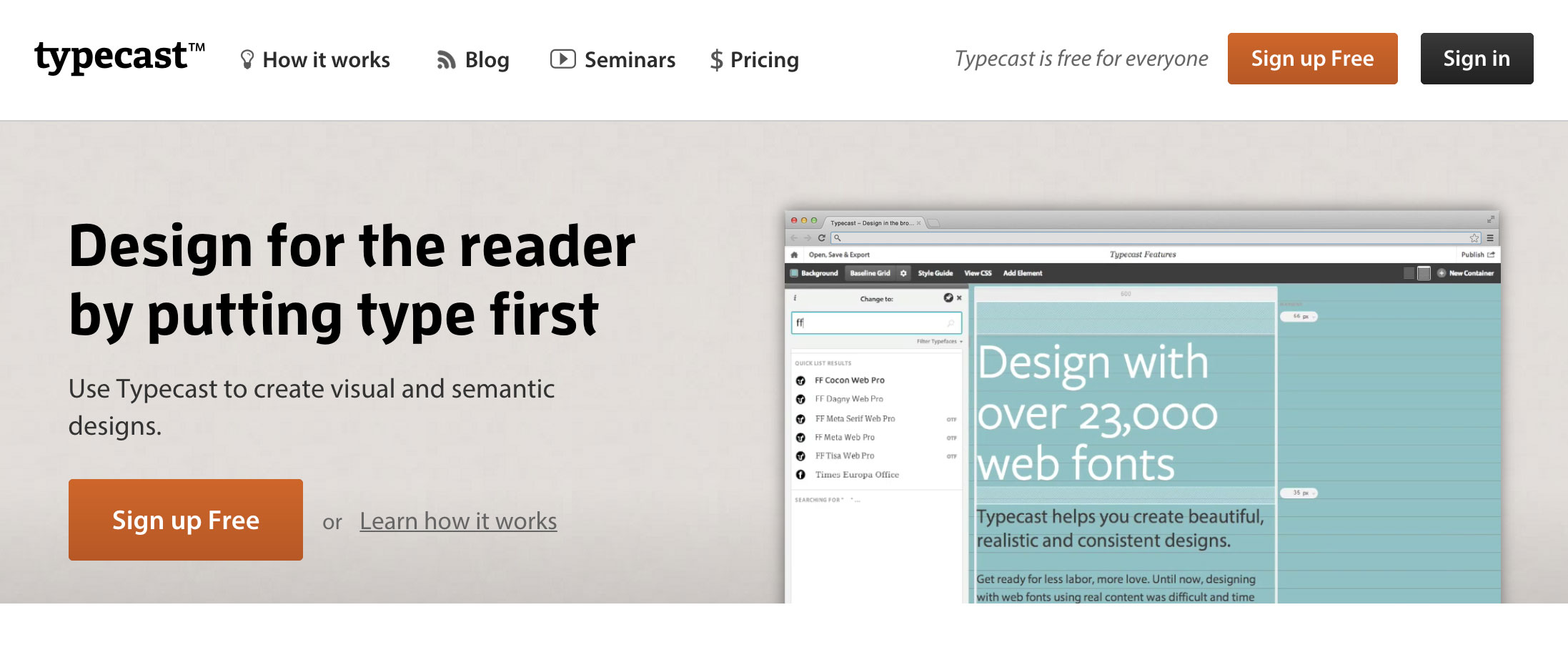
It’s possible that the current font selection just isn’t the right fit for the information or message the piece is trying to convey.

typecast


Try using Typecast.com to experiment with different font combinations and see how the changes affect the message being shared.


5. Introduce mockups


Sometimes a really great piece just doesn’t impact the client because it looks flat and unconvincing on the page or computer screen. Fortunately, designers can play with their imagination by inserting designs on a mockup product or scene to help give it a real-world context. Creative Market designers have created an amazing collection of mockup templates that can help make any logo or design really “pop.” Here are some of our top sellers:


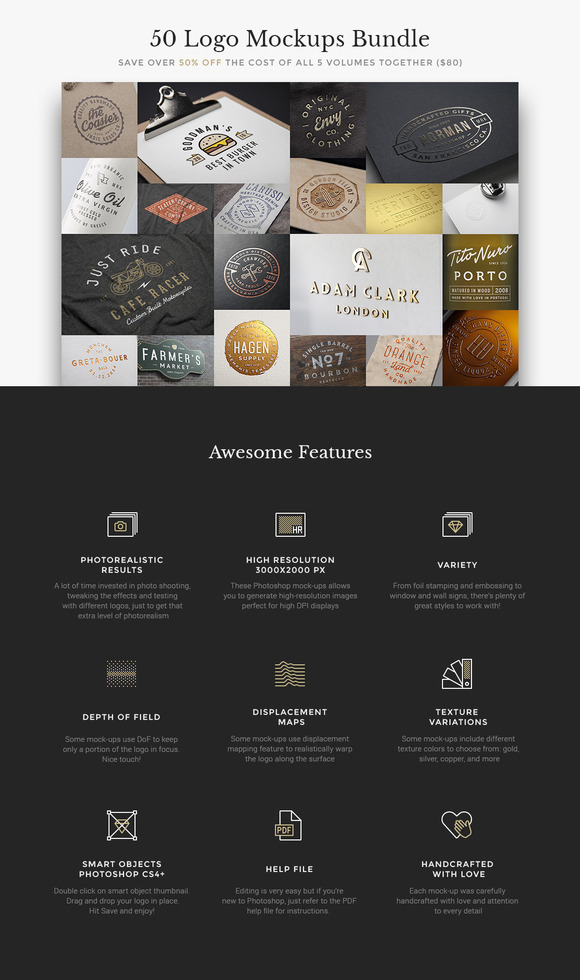
50 Logo Mockups Bundle


The mockup templates in the 50 Logo Mockups Bundle allow designers to show their logos on real-life products like clothing, bottles, signage settings and more.


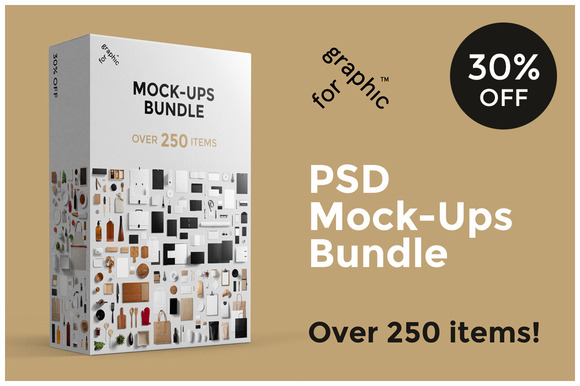
Branding Mockups Bundle


The professional photos in these templates allow designers to make their designs and logos truly pop with over 250 items and a variety of angles and perspectives to punch up the realism.


Magazine Mockup Pack


The Magazine Mockup Pack includes 12 standard view scenes along with seven close view scenes that can be fully customized for view, proportion, shadows, background texture and lighting.


100 Signs & Facades Mockups


For designers specializing in outdoor sign design, this pack of templates allows signage to be viewed from a variety of angles on glass, awnings, brick, marquee-style signs and more.


Helping an existing design “pop” can be a simple task; however, becoming more efficient at finding the best route for the optimal amount of “pop” takes practice. The use of intuition along with gaining experience in the design world will help. Try these five key techniques and let us know if they help overcome your next “make it pop” situation.


Products Seen In This Post:


getpaidtowrite-banner
"Make It Pop!" Five Ways to Up Design Impact and Make Clients Happy

Thursday, December 11, 2014

TemplateMonster Giveaway: Win Five Premium Templates – Contest Ended


[symple_box color=”green” text_align=”left” width=”100%” float=”none”]


WINNERS


Marc Widmer
Dani Fuller
Aleksey Nikolaev
Sahil Arora
Peter Maly


|| We will contact the winners ASAP to claim their Reward.||


[/symple_box]


TemplateMonster Giveaway: Win a Design for Your Website


We’re partnering with TemplateMonster to give away five premium templates! In other words, each of five winners can win a WordPress theme, a Joomla template, a Magento theme, a Prestashop theme, an HTML template or any other template that you can find at templatemonster.com.


About TemplateMonster


Templatemonster Giveaway


TemplateMonster was the first company to offer website templates. They’ve built more than 40,000 templates since 2002 when the company was actually founded. Among them are 1,500+ themes for WordPress users, 1,500+ templates for Joomla users, 800+ themes for Prestashop users, and so on. Once you visit TemplateMonster.com, you’ll see that all templates are broken into categories (Design & Photography, Computers & Internet, Fashion & Beauty, Sports & Travel, etc). You can also search templates by type (Web Templates, CMS Templates, eCommerce Templates, etc), functionality, style, features or keyword. But maybe the best thing about TemplateMonster is their free Technical Support.


So, would you like to be one of FIVE lucky winners? Then enter the giveaway right now!


How to Enter?


    • Tell us your favorite TemplateMonster template in the comments below

For example, your comment can be as simple as I like template #50491


How to Choose Your Favorite Template?


Please keep in mind, five winners will be chosen at random and contacted by email. So it would be wise to use your valid email address when you comment on this article.


Deadline to enter is July 23, 2014


We wish you luck and hope you win one of five templates from TemplateMonster!


The post TemplateMonster Giveaway: Win Five Premium Templates – Contest Ended appeared first on CSS Author.


TemplateMonster Giveaway: Win Five Premium Templates – Contest Ended