Despite Photoshop’s unrivaled feature set, everyone has a few extra things that they wish the app could do (especially web designers). Fortunately, Photoshop has a rich community of third party developers who are regularly churning out fantastic plugins and extensions to add all kinds of functionality. From faster image exporting to better guide control, here are 25 outstanding Photoshop plugins you should try.
1. Super Spray
Stop getting stuck with boring patterns or having to craft your own. With Super Spray, you can turn any .png images into a spray pattern. All you have to do is import the picture with the plugin.

2. Screen Snap
Get high resolution screenshots of your full screen or selected areas in a snap. Just choose where to save, how to save it and take the screen shot.
3. Renamy 3 Photoshop Plugin
This amazing timesaver plugin allows you to rename multiple layers at the same time, use find and replace in naming layers, live name filtering and autocompleting from a list of used names. This is an essential tool for easy name changes and editing.
4. Web Zap
This Photoshop Extension will cut your time making design mock ups and wireframes in half. It comes with loads of UI staples (buttons, sliders, comment boxes, icons, etc) in a variety of styles and colors. With just a few clicks, you can whip up a beautiful prototype of an entire web page.
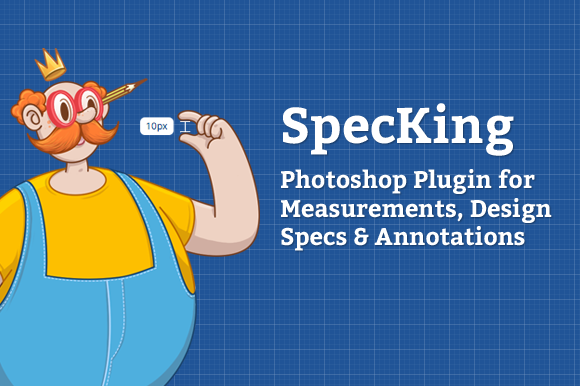
5. SpecKing Photoshop Plugin
Get precise measurements fast. SpecKing gives you measurements of each layer with one click, or if you have multiple objects on a flat layer, you can use the selection tool to measure them.
6. Zeick Photoshop SVG Export
This plugins allows you to quickly export any vector shapes to SVG files. You simply target a single layer or any group of layers, hit a button, and you’re ready to go.
7. Portraiture
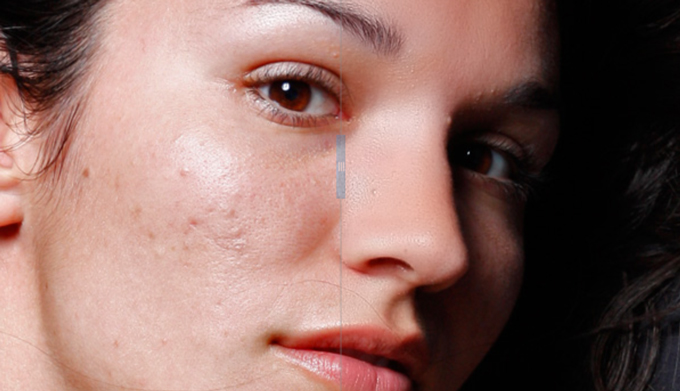
Portraiture features best-in-industry skin smoothing algorithms and is a must-have for any professional portrait photographer. It’s hard to find a tool that has such impressive results with such little effort. At 0, it’s not cheap, but if you make your living as a photographer, it’s definitely worth the expense.
8. Transform Each 2.0
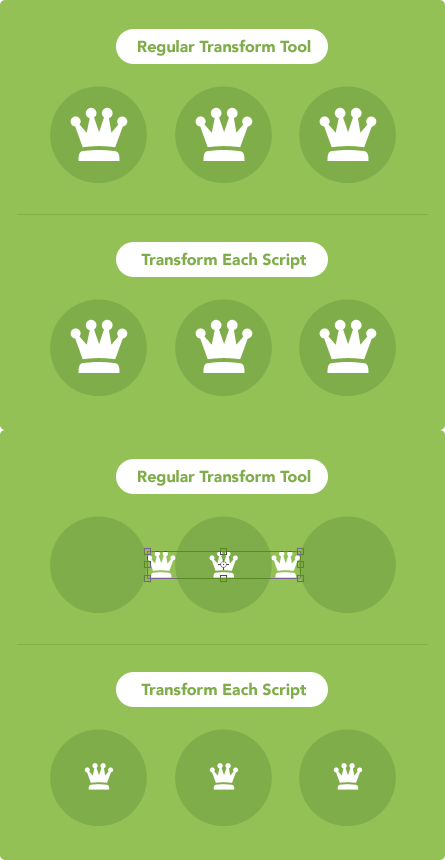
Transform Each allows you to transform multiple layers at once, but in a way that makes each item independent from the rest. This is great for resizing a group of objects without screwing up their positions.
9. Font Awesome
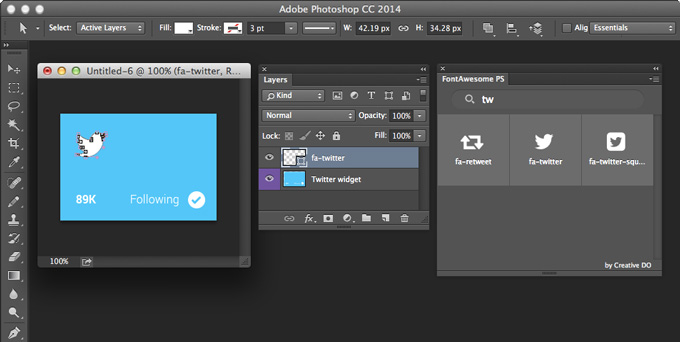
Font Awesome is one of the most popular icon fonts on the market and this plugin brings all those awesome icons into an easy-to-access Photoshop panel.
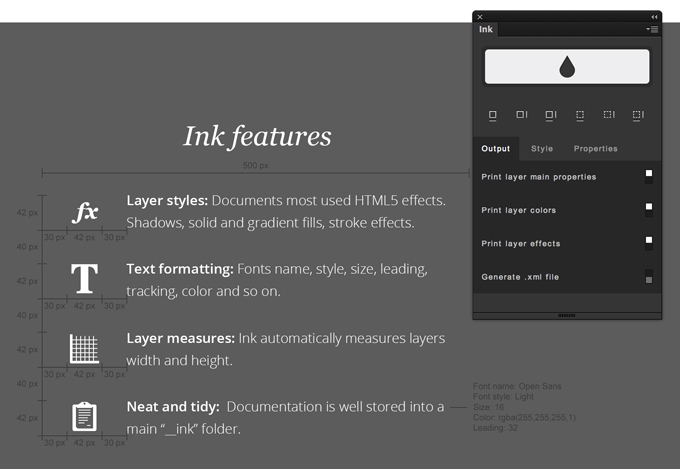
10. Ink
Ink allows you to include subtle information about crucial details like layer styles, text formatting and layer measurements.
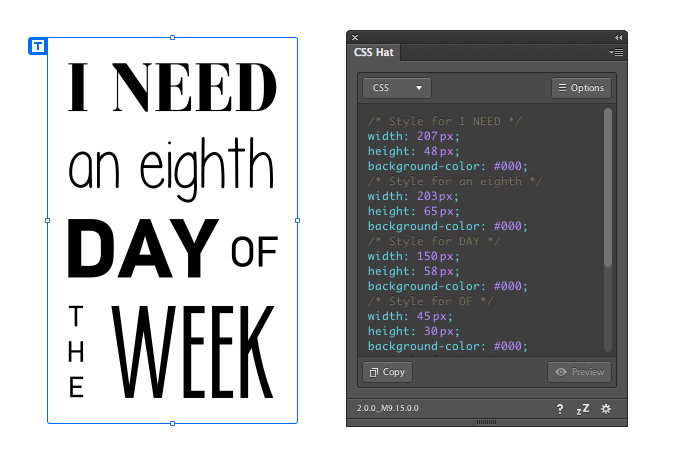
11. CSS Hat
CSS Hat takes your Photoshop layers and gives you clean CSS code instantly. Photoshop now has similar functionality built in, but in my experience, CSS Hat is much more robust.
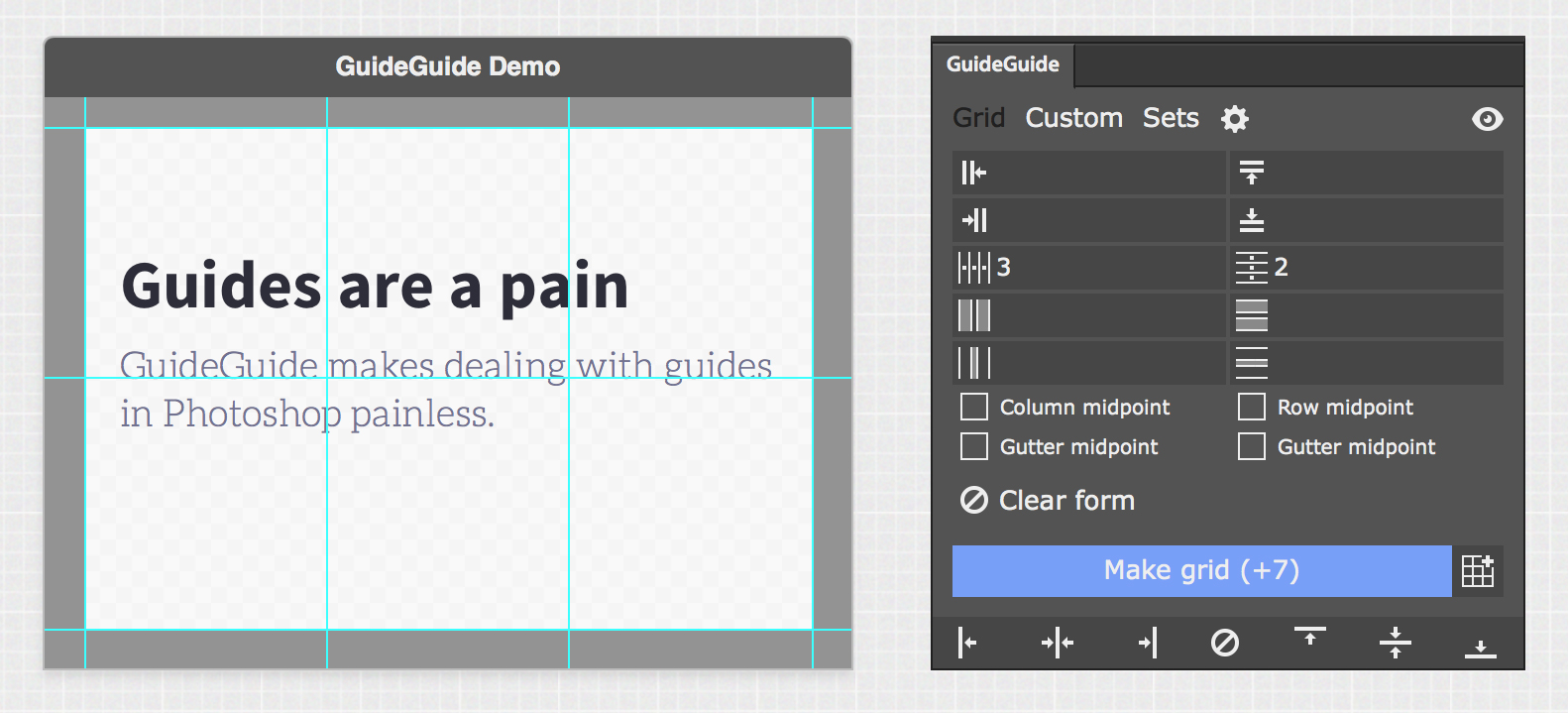
12. GuideGuide
GuideGuide is the single best way to quickly lay down a complex guide arrangement in Photoshop. Like some of the other panels on this list, Photoshop has now added similar functionality, but I prefer GuideGuide’s interface, and since it’s free, why not give it a shot?
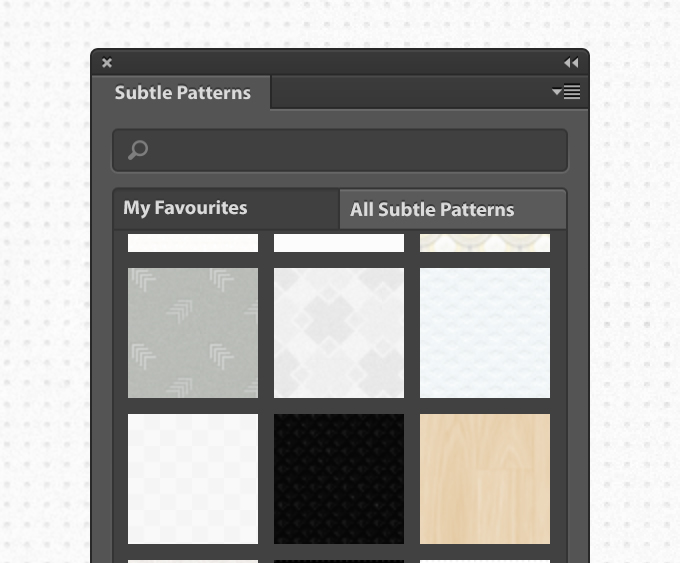
13. Subtle Patterns
Subtle Patterns is one of the best sources online for free, simple background patterns. This plugin saves you countless trips to the website and puts the huge, ever-growing library of patterns right in your Photoshop.
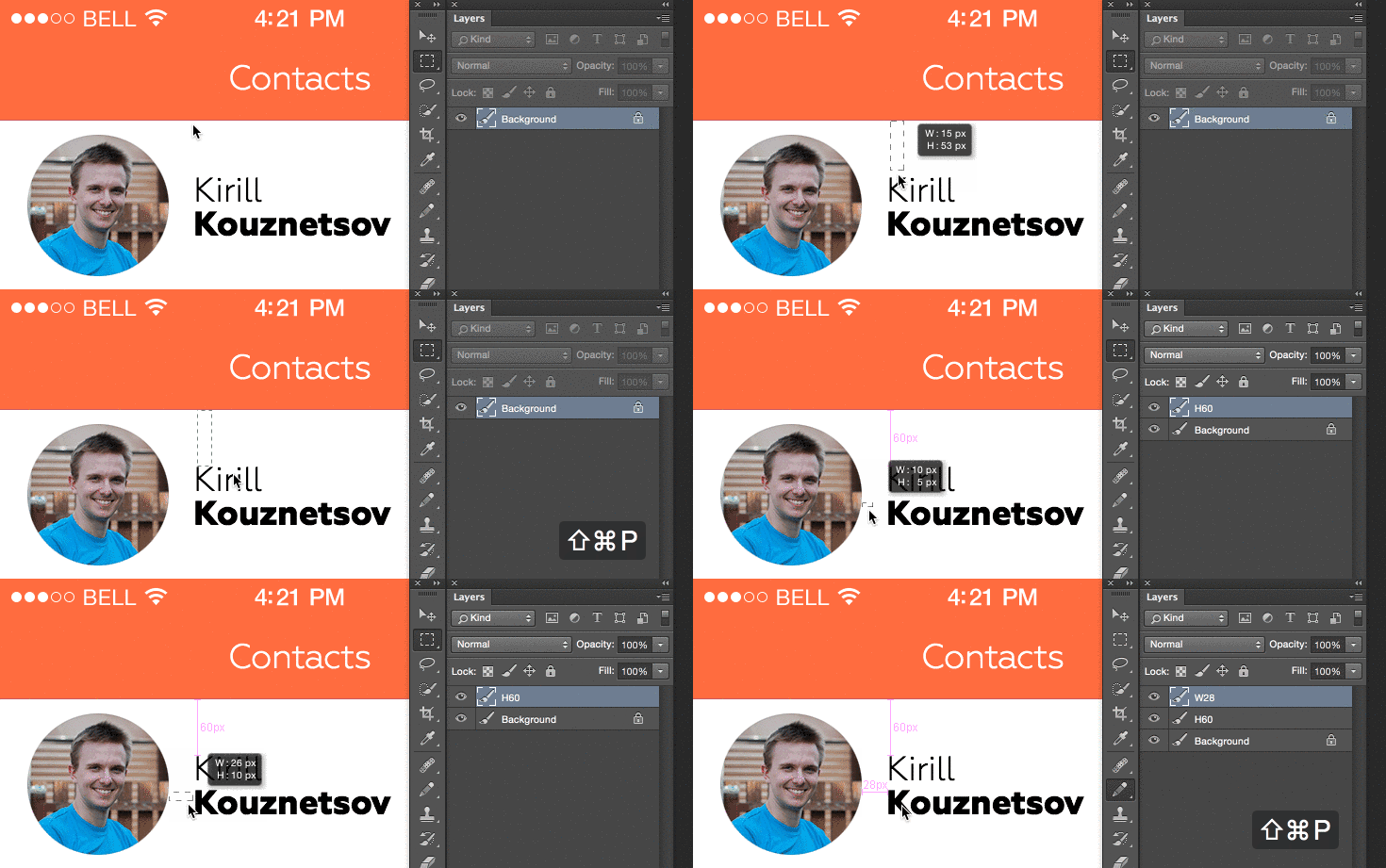
14. Size Marks
Size Marks is another useful tool for quickly placing measurement information onto your PSDs. Simply draw a box with the Marquee tool, hit a keyboard shortcut, and you’re done.
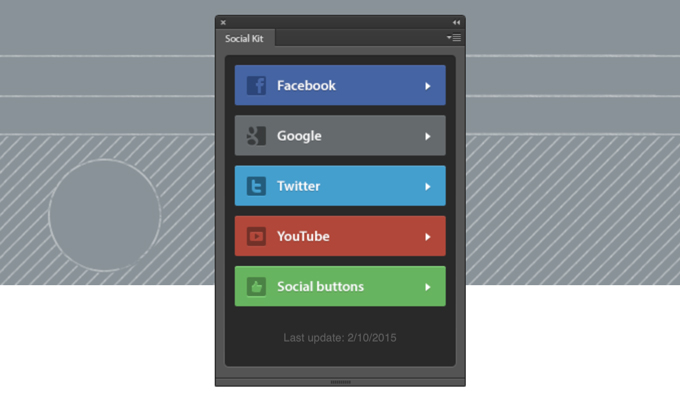
15. Social Kit
Make your social media site attractive with these great templates for Facebook, Twitter, Google+ and more.
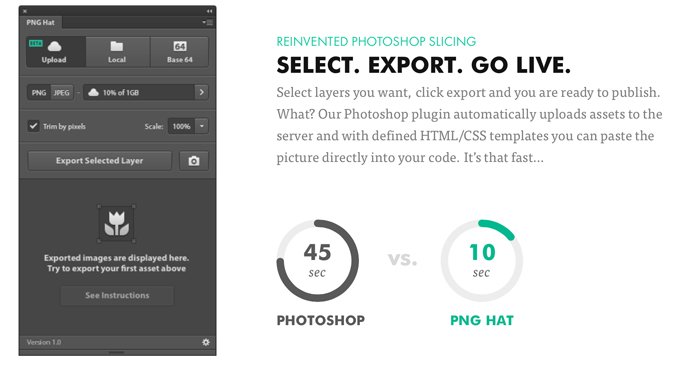
16. PNG Hat
PNG Hat brings a ton of really robust image exporting features to Photoshop. It features excellent image compression and the ability to generate CSS, HTML, and even Objective C to embed your images into whatever project you’re working on.
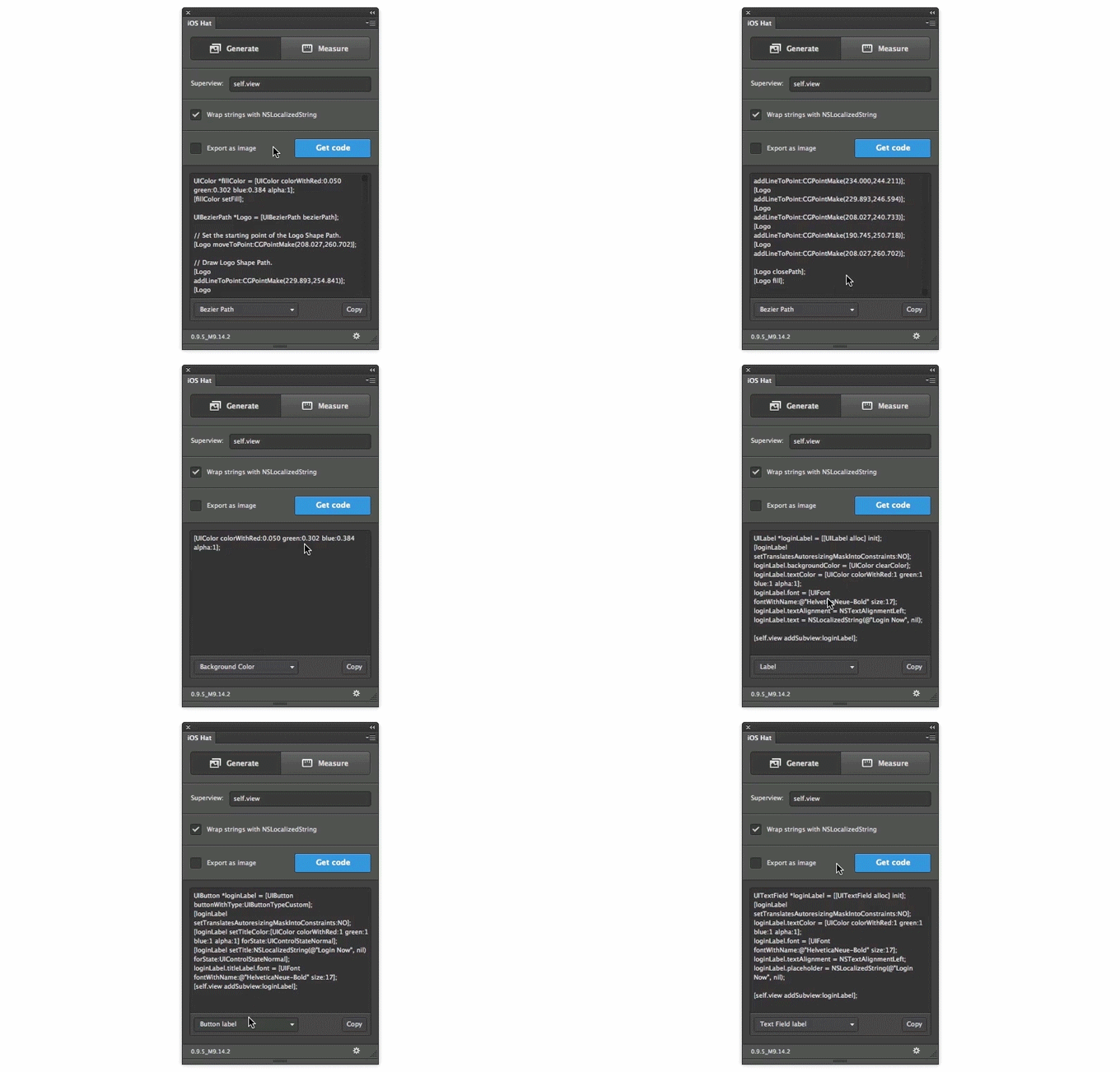
17. iOS Hat
Yet another amazing plugin from Source’s “Hat” line. iOS hate is an essential tool for iOS developers that quickly converts Photoshop layers into Objective-C or Swift code.
18. PSD Cleaner
This plugin goes through and groups your layers for you. It alerts you to any problems and gives you a simple fix instead of trudging through layers.
19. Random User
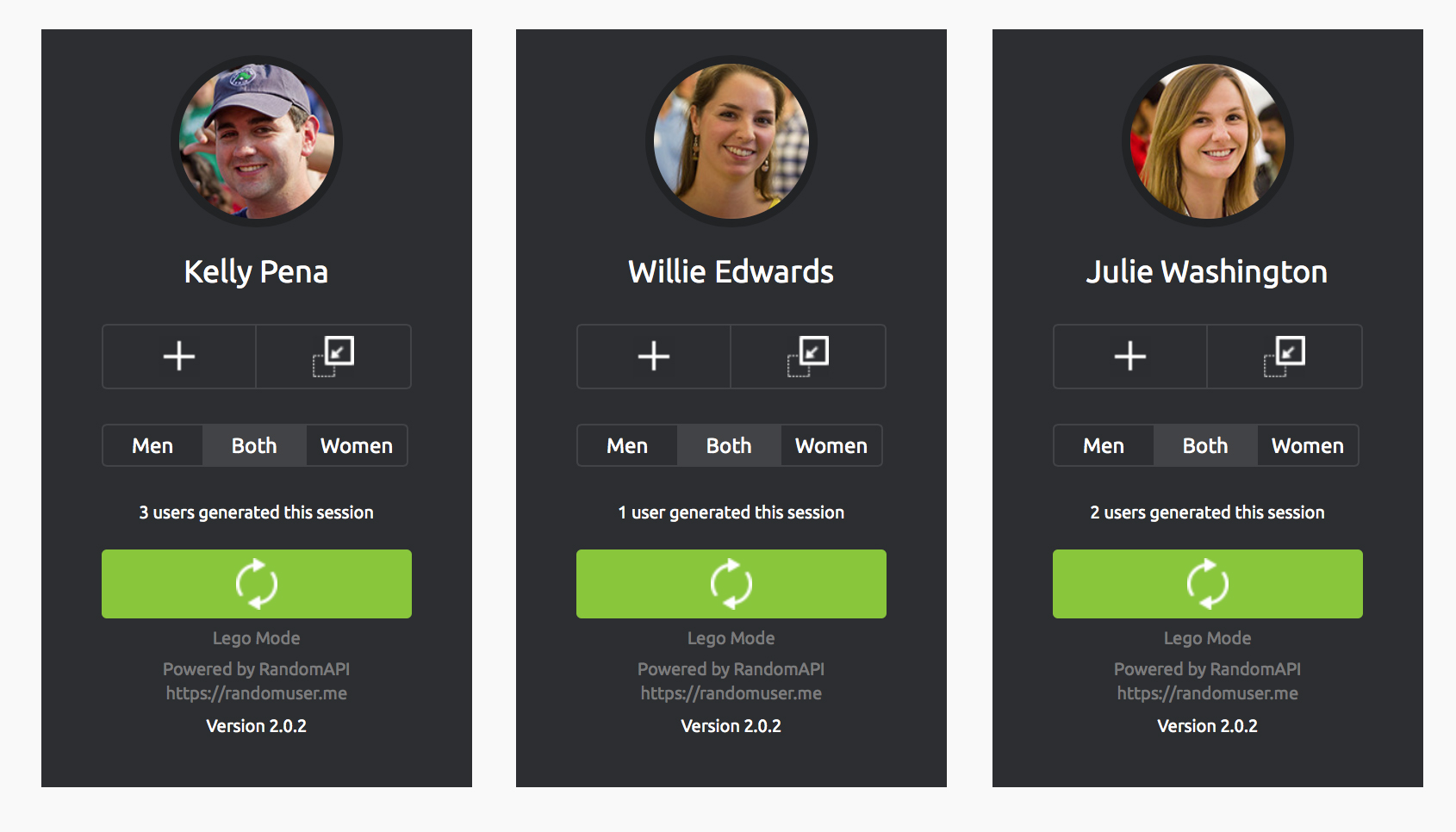
If you’re a UI designer, you’ve come up against this problem tons of times: you’re designing your app and you need some sample avatars for your comps. With Random User, great placeholder avatars are a single click away.
20. LayerCraft
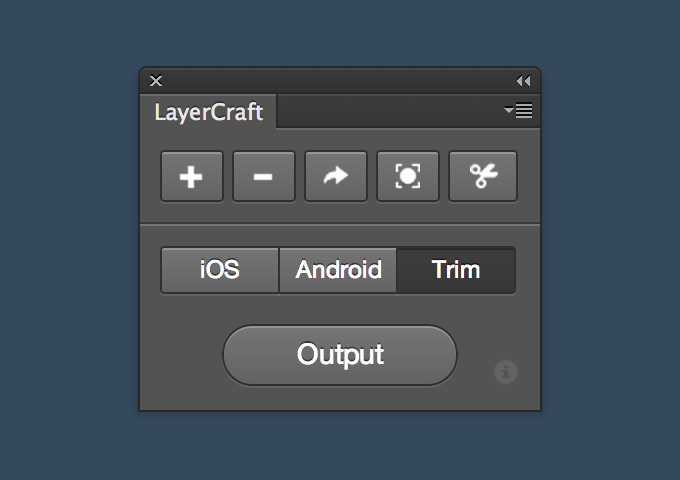
LayerCraft is a great little toolkit for preparing and exporting images. There are a few quick scripts like for trimming and scaling, as well as export options for 1x, 2x, and 3x size graphics.
21. Velositey
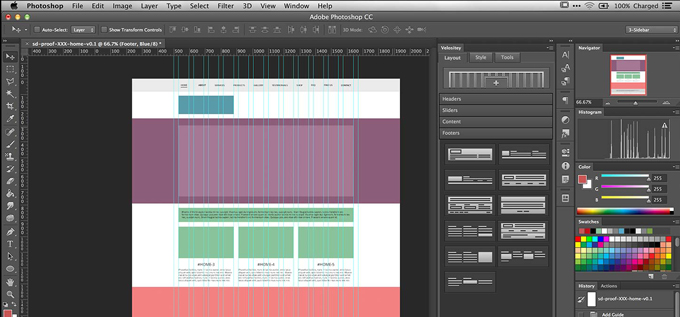
Another mockup tool similar to WebZap. The elements that it creates are less-styled than with WebZap, which is good for generic wireframes that you can add your own style and colors to.
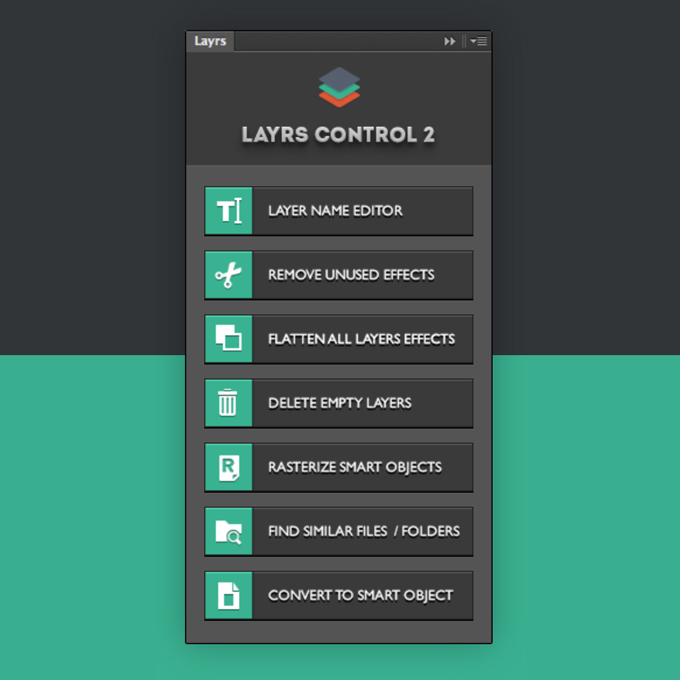
22. Layrs
Layrs is a tool that helps your clean up your messy PSDs with seven useful scripts. It was created by Creative Market shop owner Vadim Sherbakov.
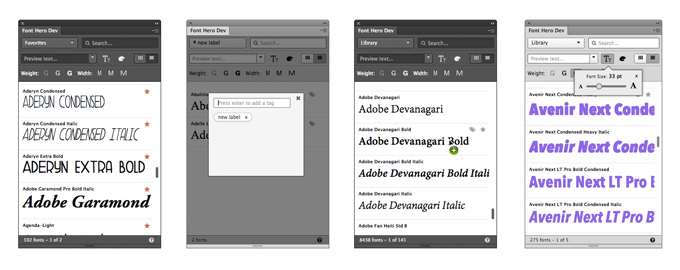
23. Font Hero
Let’s face it, if you have a ton of fonts, Photoshop’s interface for sifting through them pretty much sucks. Font Hero allows you to search, preview, and organize fonts better than ever before, right inside Photoshop.
24. Retouching Panel
A powerful panel for photographers that allows you to quickly adjust colors, soften skin, and apply various professional-level effects to your images.

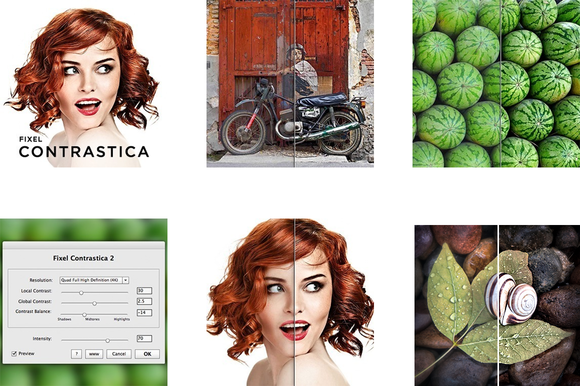
25. Fixel Contrastica 2 PS
Fixel Contrastica helps you effortlessly increase the local and global contrast in your images. The tool works without clipping pixels and gives you full control over tonal range.
What Are Your Favorite Photoshop Plugins?
These 25 Photoshop plugins should be enough to supercharge your workflow. If we missed any of your favorite plugins, leave a comment below and let us know.
25 Photoshop Plugins That Will Blow Your Mind

No comments:
Post a Comment
Note: Only a member of this blog may post a comment.