If there’s one thing that makes any video game worth playing aside from the storyline and gameplay, it has to be the graphics. We’ve reached an interesting point in time where “realistic graphics” are only part of the story. While some game developers push the boundaries between the digital world and reality, others are using the same technology to embrace a simpler, albeit more stylized aesthetic. The vast differences in art direction across games and platforms makes for an unprecedented range in visual styles that appeal to every type of gamer.
The Importance of Great Graphics in Video Games
The importance of graphics cannot be denied. This is one of the reasons why video games have become more and more addicting through the years. It’s not just the rapid evolution of plots, with each new game being released having an even more complicated story than the last thing you played. It’s also the visual delight that you experience with each game, pulling you straight into its depths and making you feel that you aren’t just outside the screen clicking madly at the controller.
A video game’s graphics allow you to see the world that the game developer was thinking about when they came up with the concept. It paints a picture of an alternate reality and has the capacity to engage you even more as you feel a deeper connection with the game the better the graphics become.
The game’s graphics also sets the mood. For example, there has been a recent rise in retro-inspired graphics in video games. Because of the way they were designed, they could make one reminisce instantly and go back to the old games they use to play. Whether for nostalgia for fantasy purposes, that appeal of time travel via video game is strong.
In short, graphics seals the connection between the game and the player. They appeal to the players’ eyes, which in turn makes it appealing to their emotions and other senses more effectively.
Ten Great Examples of Awesome Video Game Graphics
With the unending contest of game developers trying to outdo each other in terms of graphic design, there have emerged a few that prove to be truly stimulating in a visual sense.
1. Uncharted
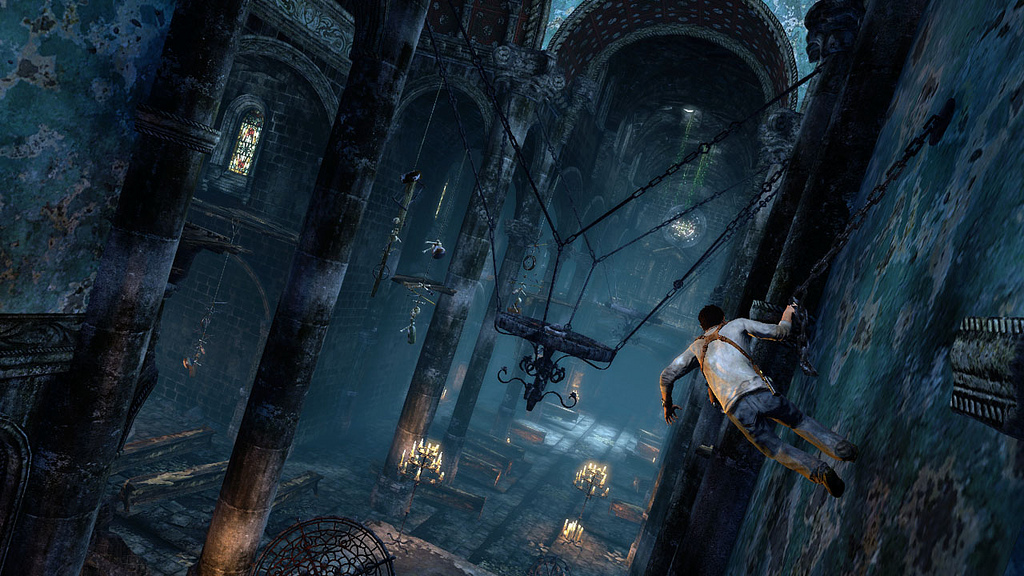
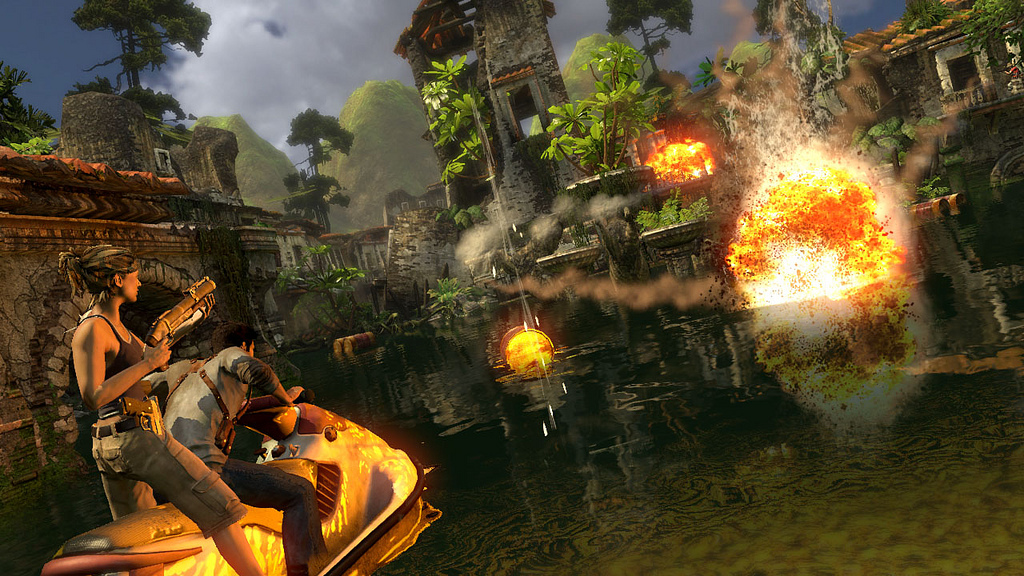
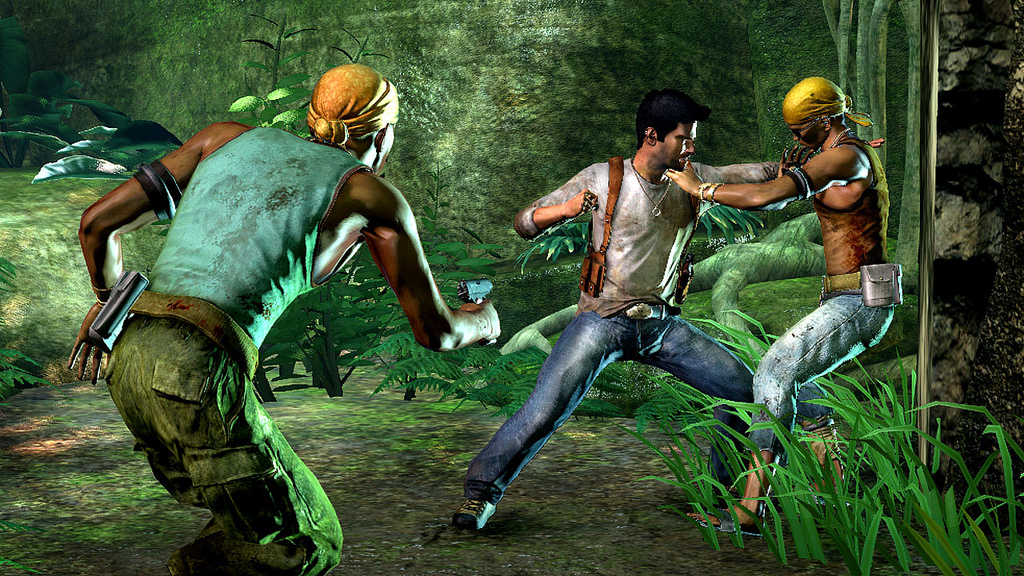
Image Source: Naughtydog
A series of third-person shooter games by Naughty Dog, Uncharted was published by Sony for PlayStation consoles. With the most recent episode, A Thief’s End, to be released this year, one can’t help but notice how much the game has evolved since it was first released in 2007.
The game features the story of Nathan Drake, a treasure hunter who has a knack for solving complicated puzzles, going through any kind of terrain, and going against anybody who stands in the way of him and his next big discovery.
A true visual gem, it stood on top of its class in terms of visuals for each release. And knowing how the past releases were designed, the next one has all gamers holding their breath in anticipation.
2. Journey
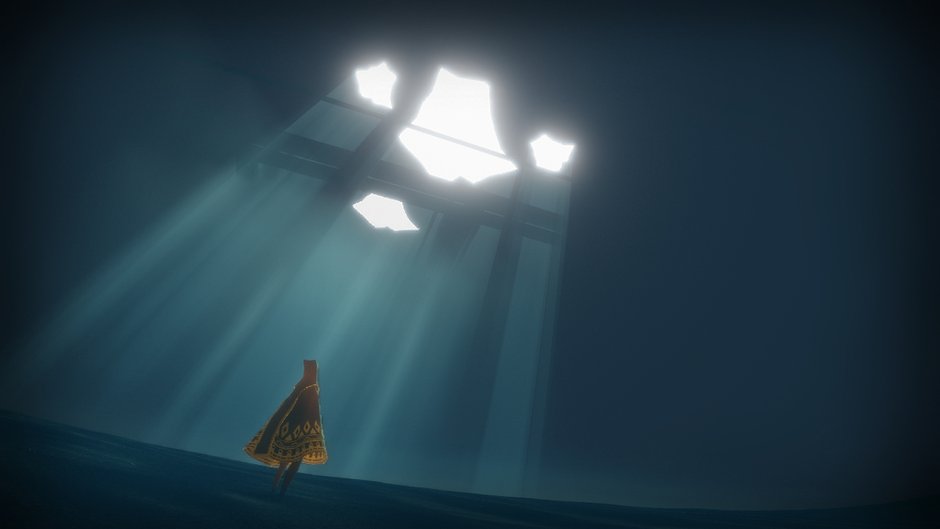
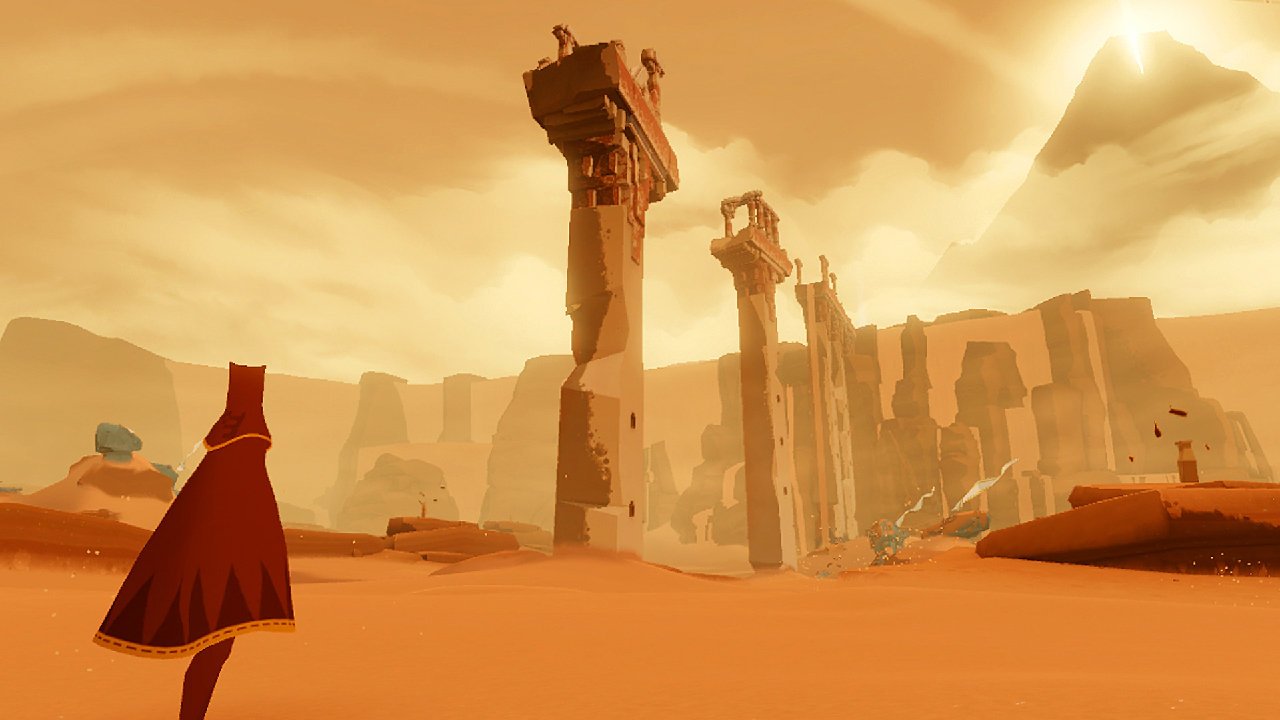
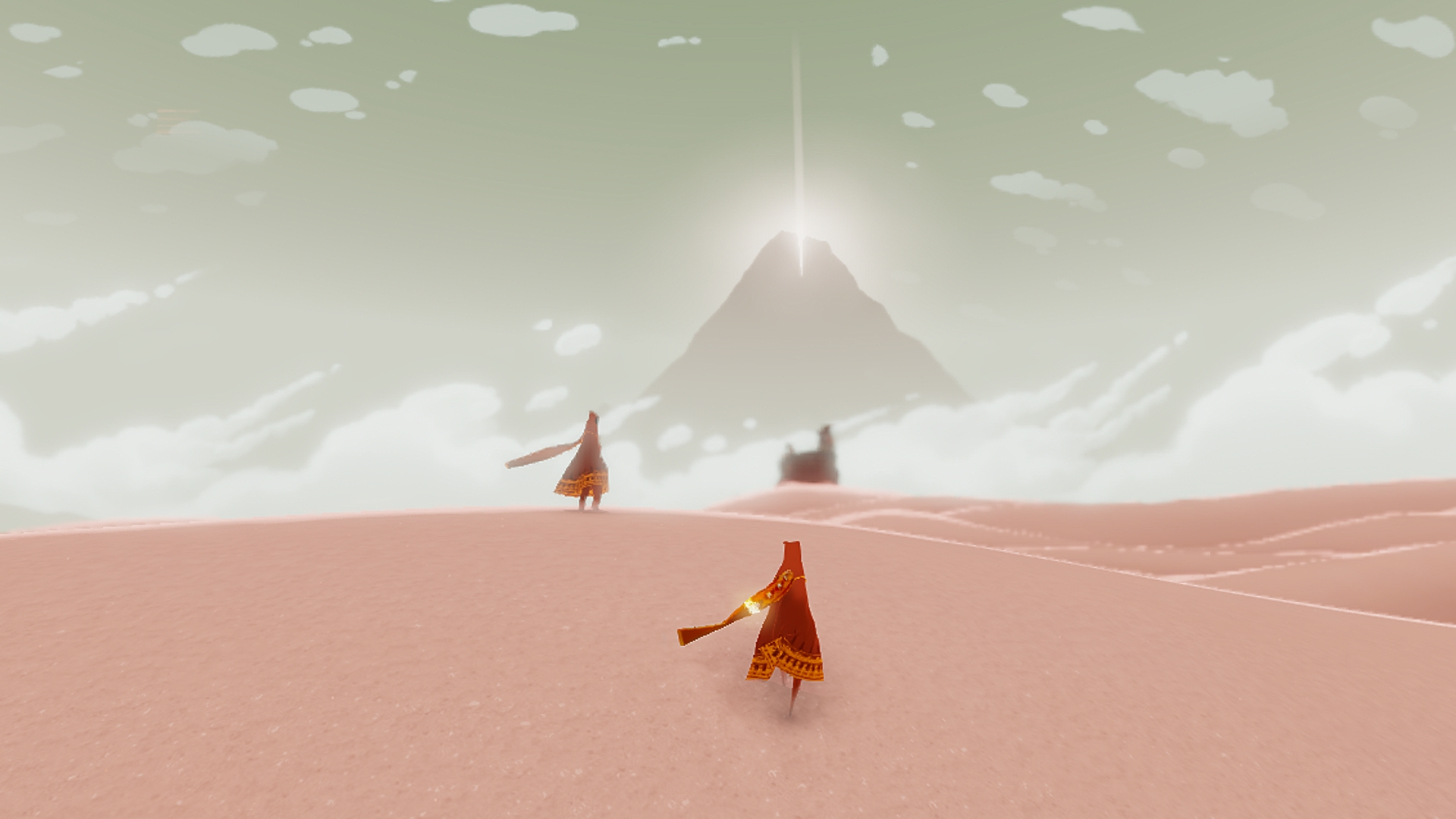
Image Source: Thatgamecompany
An indie game made by Thatgamecompany for PlayStation 3, this adventure game takes you through an ethereal environment and steers clear from the usual noisy, chaotic gaming experience. Instead of focusing on enemies to slay, it prompts each player to use their emotions and bank on their sense of curiosity as they explore an unknown desert world.
Of course, nothing else can make the entire experience more surreal than the light and conceptual way that it was designed. The illustrators said they wanted to steer clear of realism, as this evolves through time; what they wanted to create was a sense of timelessness, something that they definitely achieved through the game’s design.
3. Limbo
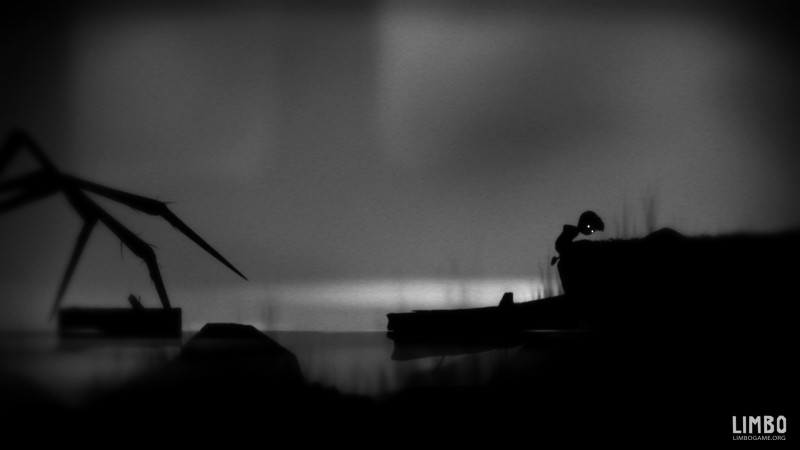
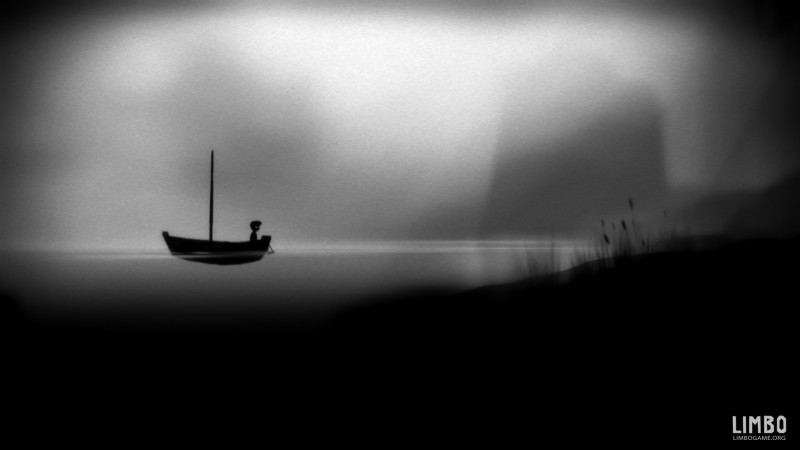
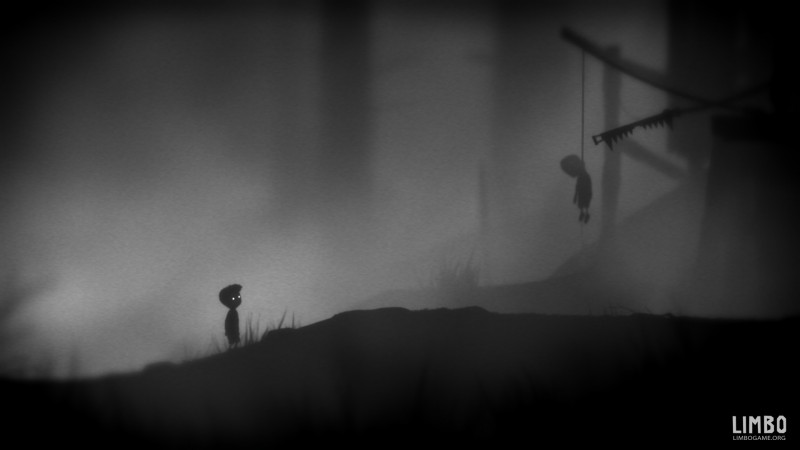
Image Source: Playdead
Where other modern video games aim to give the user a realistic experience, Limbo does the opposite by giving you a black and white 2D sidescroller. So what makes its graphics special? It’s exactly that. The eerie effect that they achieved with the flat black and white visuals.
The puzzle game gives the player a real sense of dread, that feeling of emptiness and hopelessness as you venture through a world that seems to have no end.
4. Shadow of the Colossus
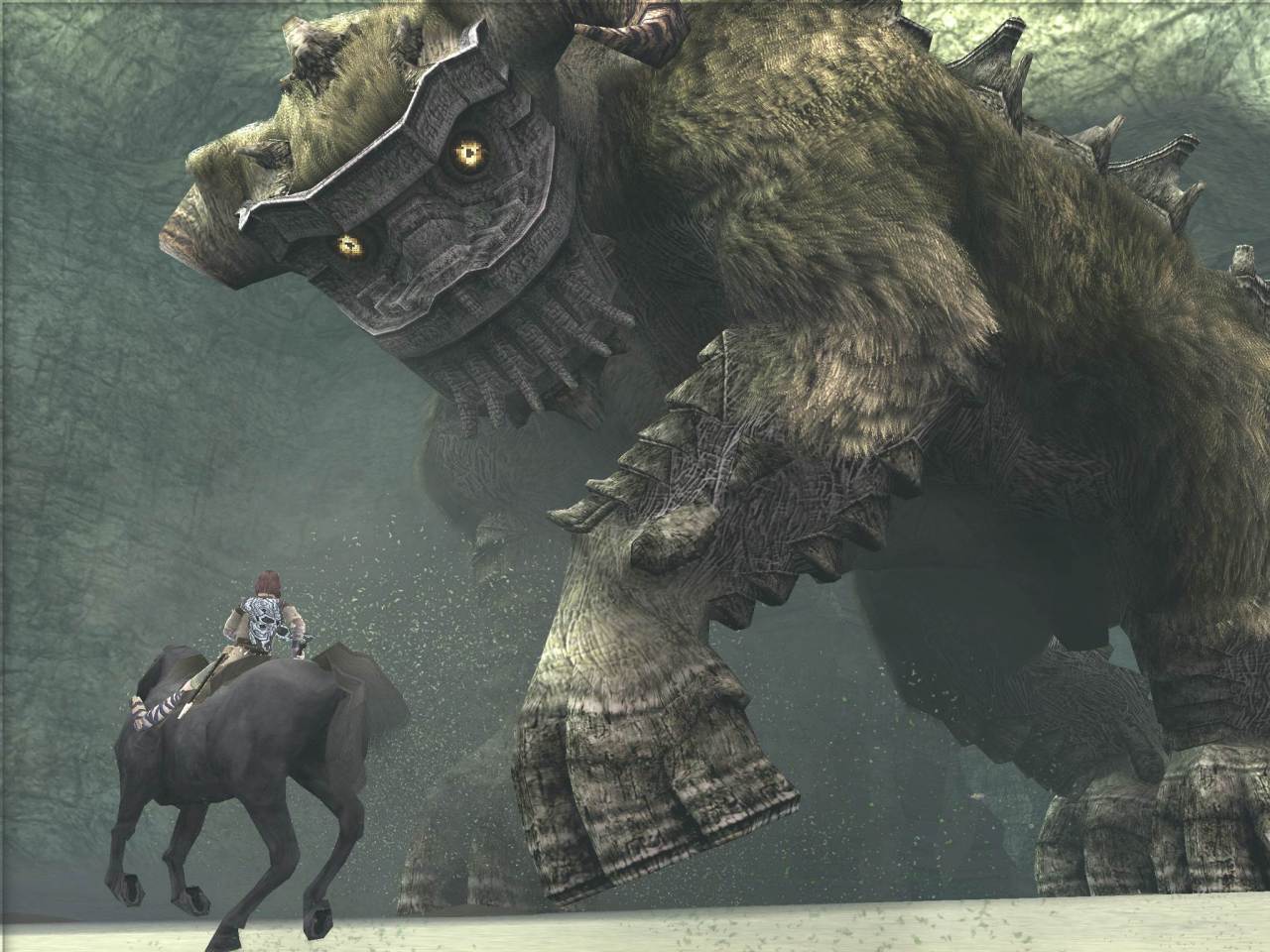
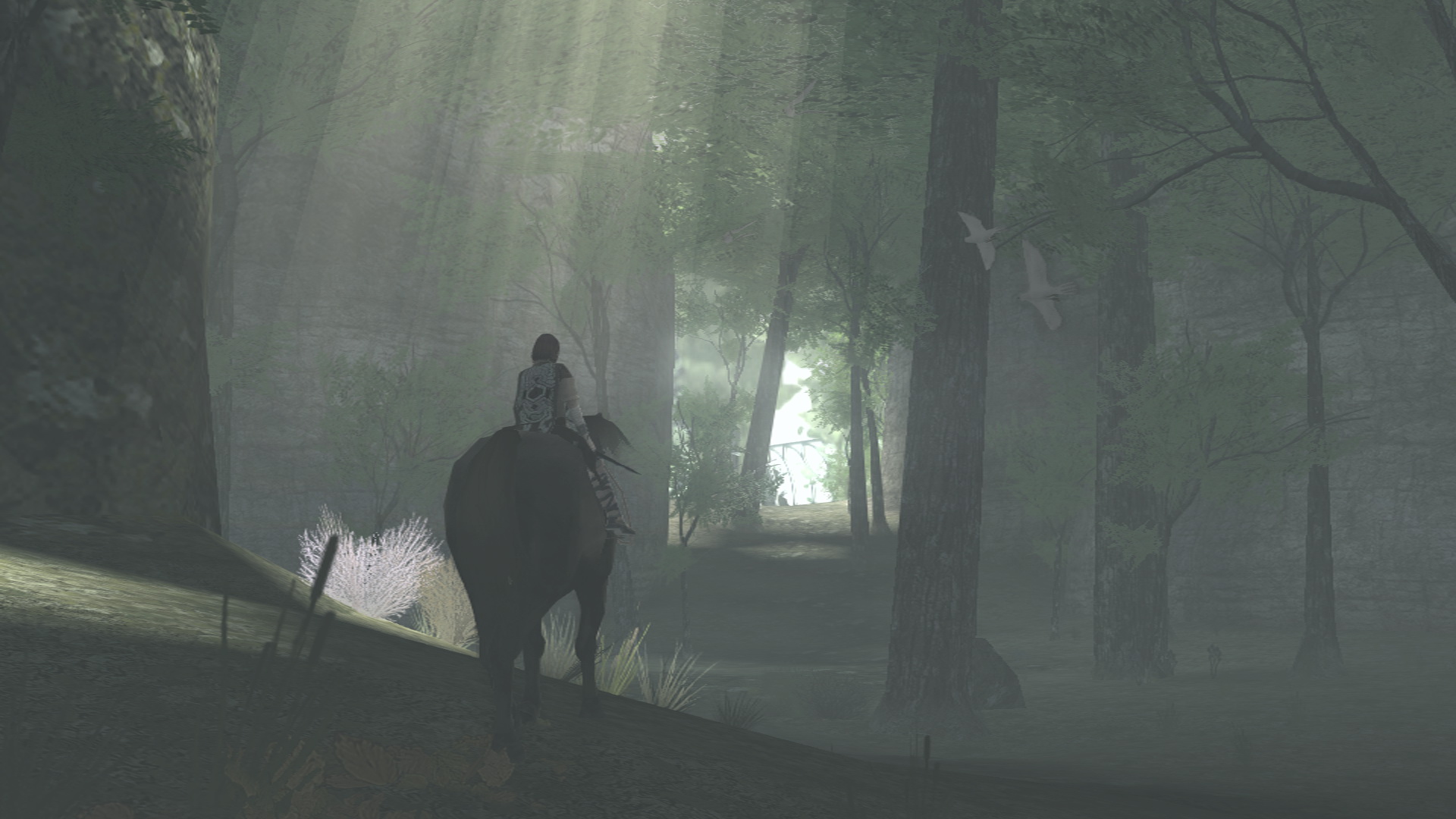
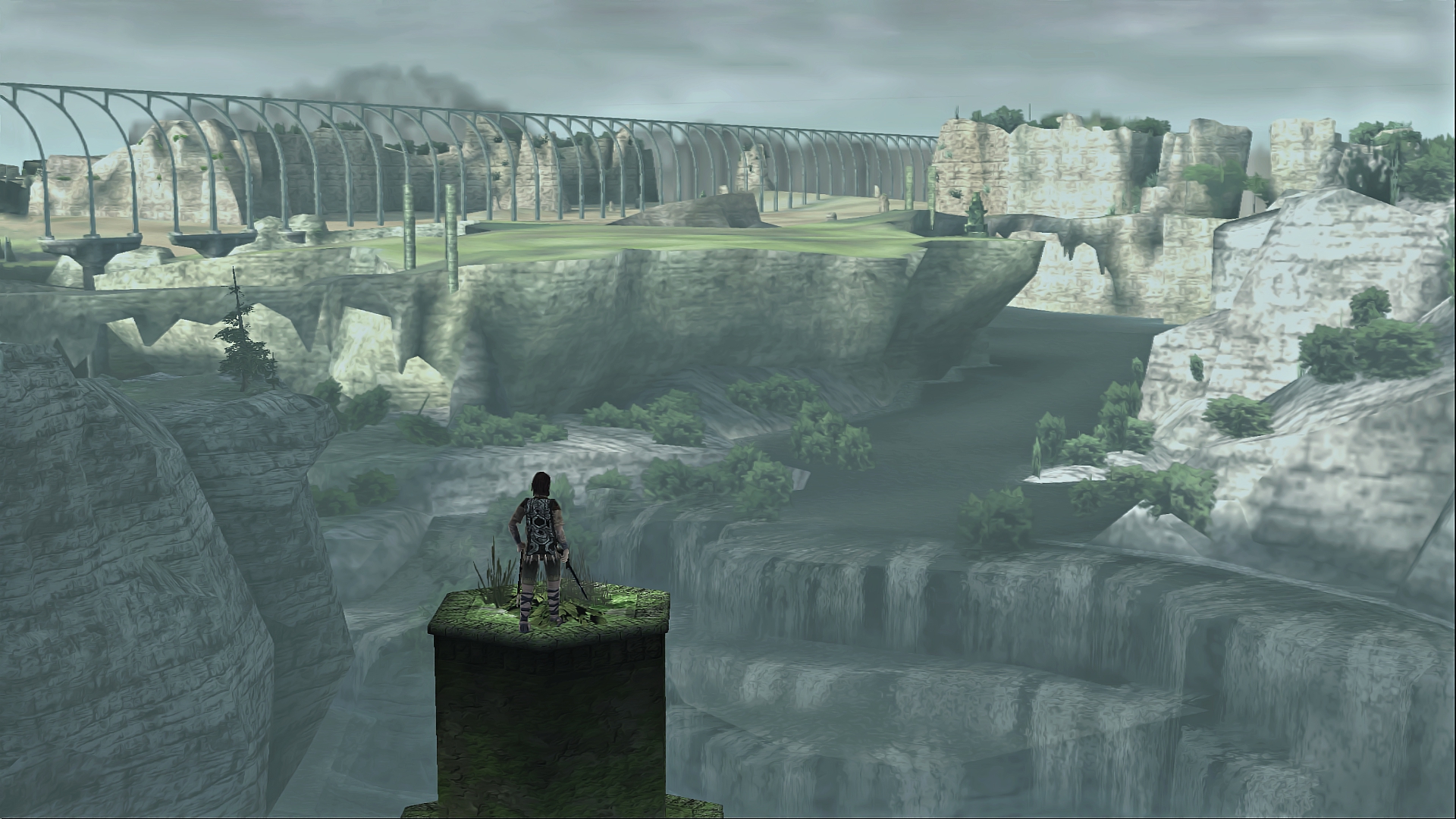
Image Source: Playstation
The single player action-adventure game tells the tale of a young warrior who is tasked to destroy 16 colossal beasts to restore the health of his fallen love. It all revolves around a single temple, where you start out in each quest.
Graphics definitely play a big part here, as this is what would allow you to fully grasp the size and level of difficulty that comes with defeating each colossi. And yes, Team ICO from Japan definitely pulled it off as the beasts prove to be larger than life and even more daunting as you slay one colossi after another.
5. Flower
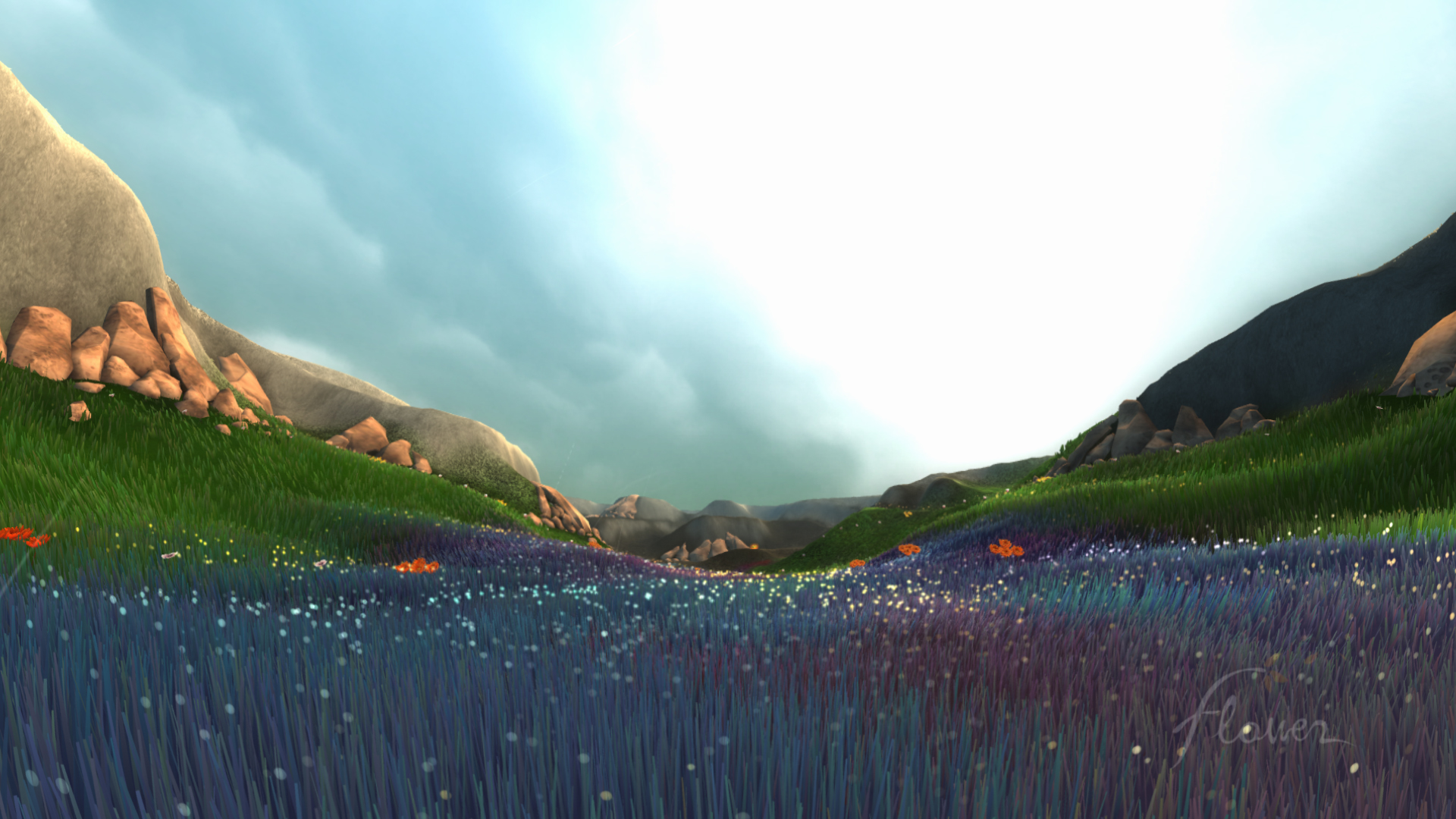
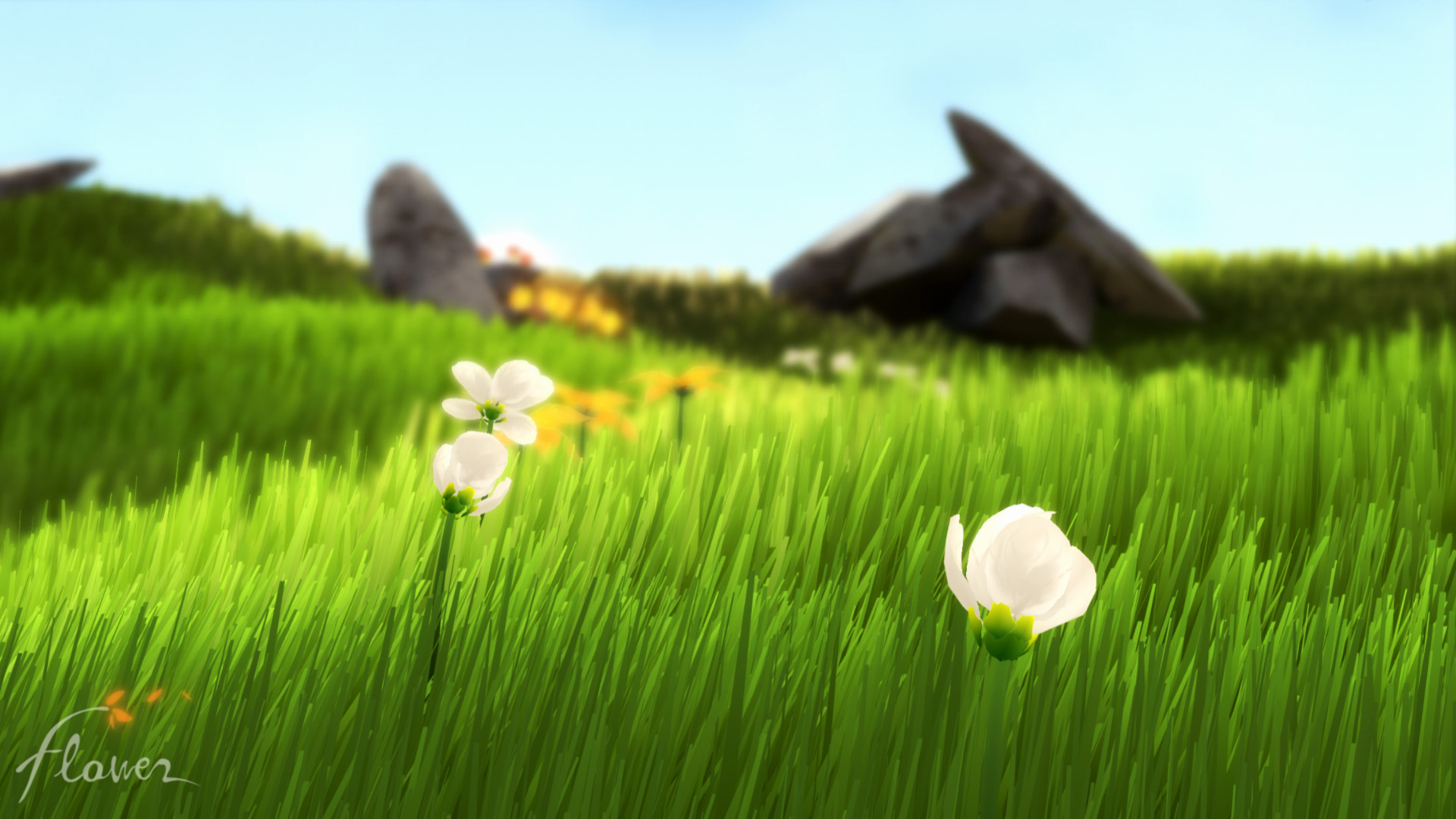
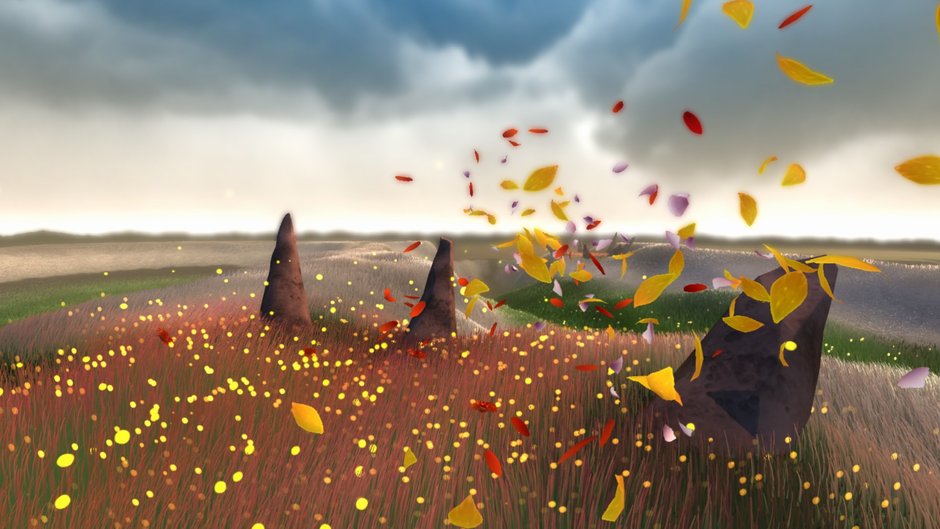
Image Source: Thatgamecompany
Another visual masterpiece from Thatgamecompany, Flower proves to be relaxing, but also challenging in its own little ways. It basically allows the player to control the wind as it takes a single petal around the world, giving everything it touches a breath of new life. You then create a floral trail that flows through the magical world that you have created as you guide the petals against the wind.
With a game that involves colorful flowers, it is a definite requirement to get the graphics just right. And just as expected, Flower’s developers pulled it off perfectly. The game’s graphics have an almost dainty feeling to them, but without overdoing it. It gives that sense of life as you play the game, allowing you to truly experience how to be one with the wind.
6. Sword & Sworcery
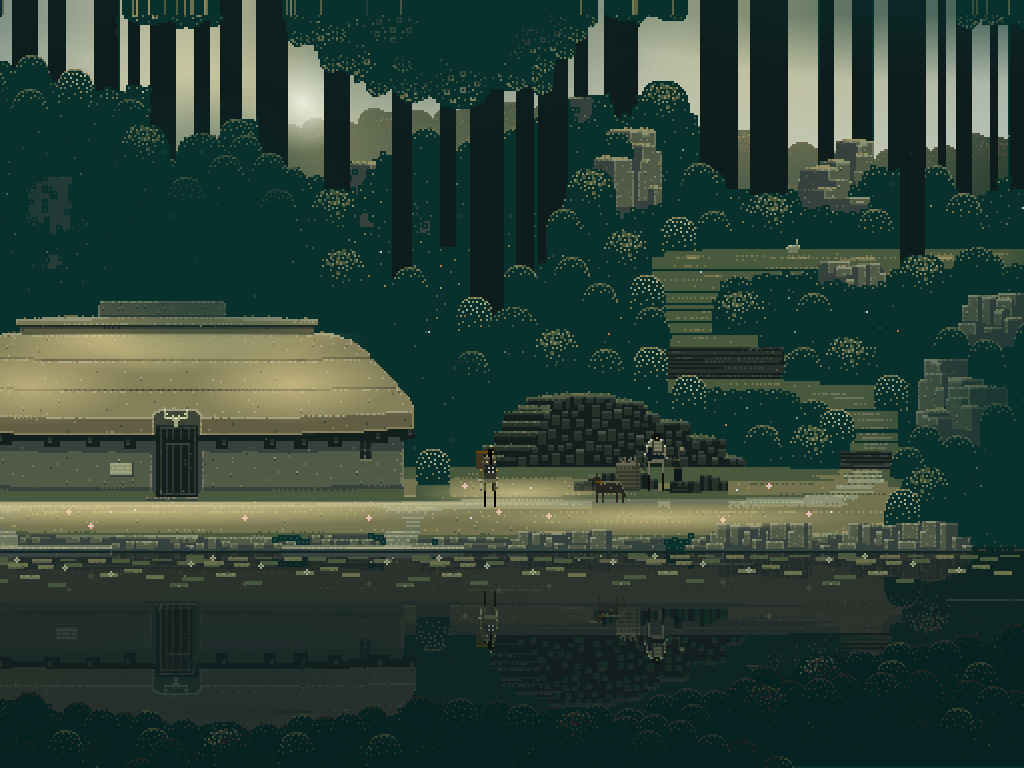
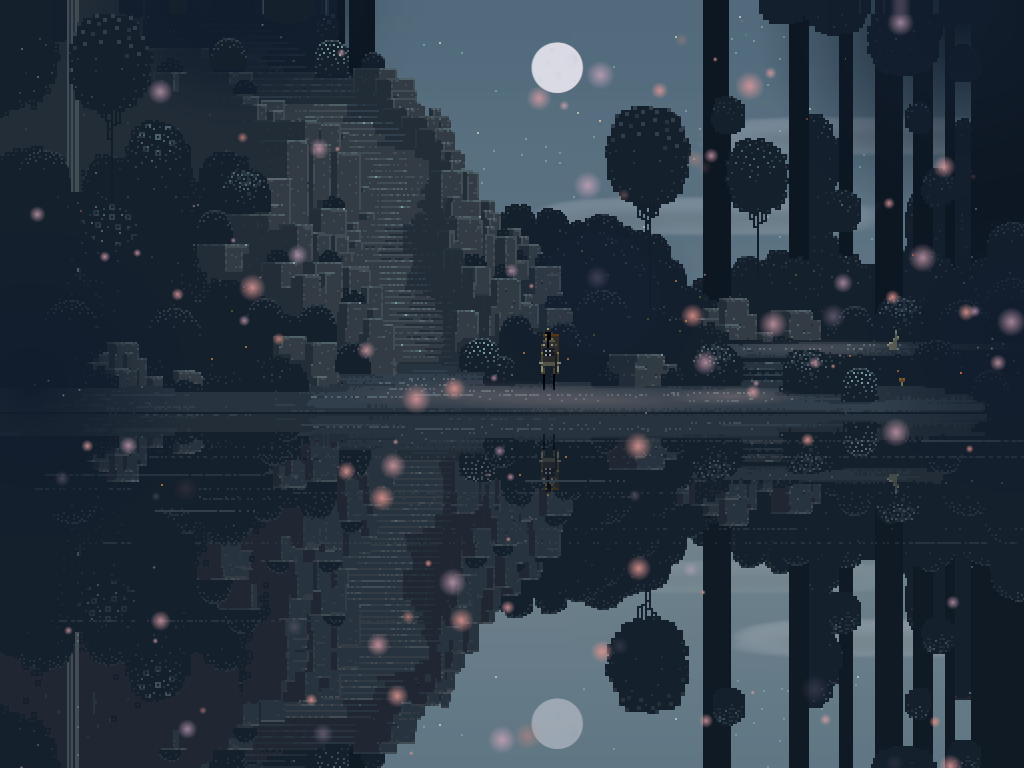
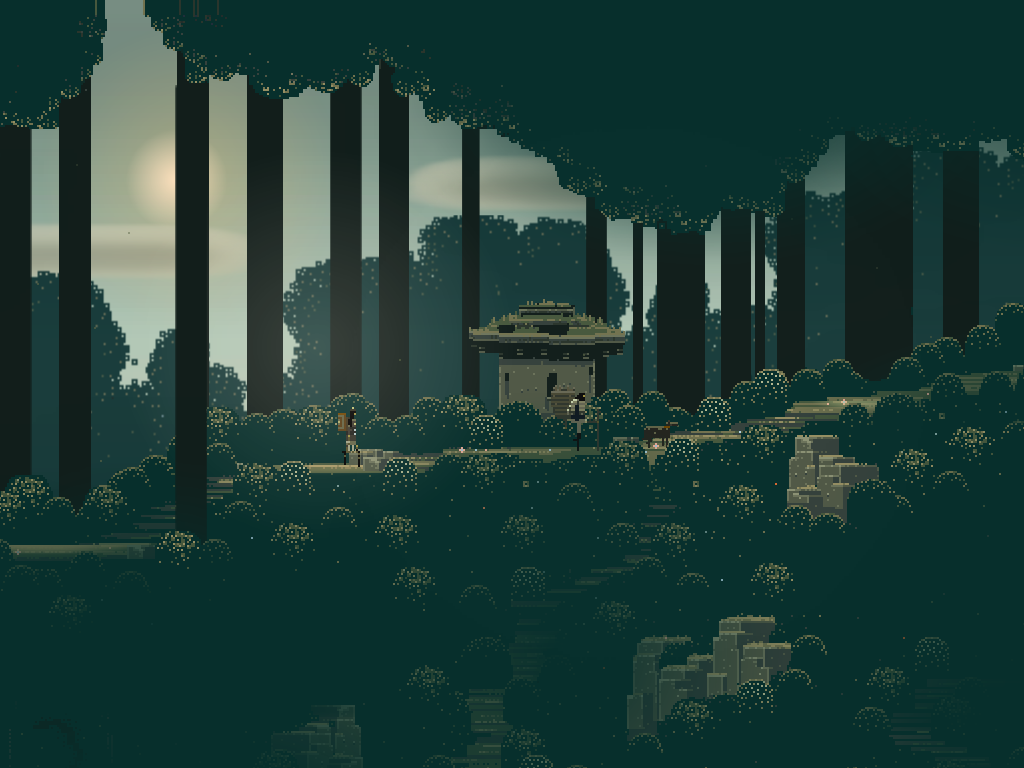
Image Source: Capy Bara Games
Created by Superbrothers and Capybara Games, Sword & Swrocery manages to blend the idea of heroes that has been instilled into gamers’ minds since childhood with quests that only today’s world could bring. No, the game does not rely on realism with its graphics. It does create an almost ethereal world, showing beauty that you can rarely get anywhere else.
What makes it work spectacularly is the fact that the soundtrack is just as dreamy as its graphics. This gives an even more stimulating experience as you get lost in the magical world that your character is moving around in.
7. BioShock Infinite
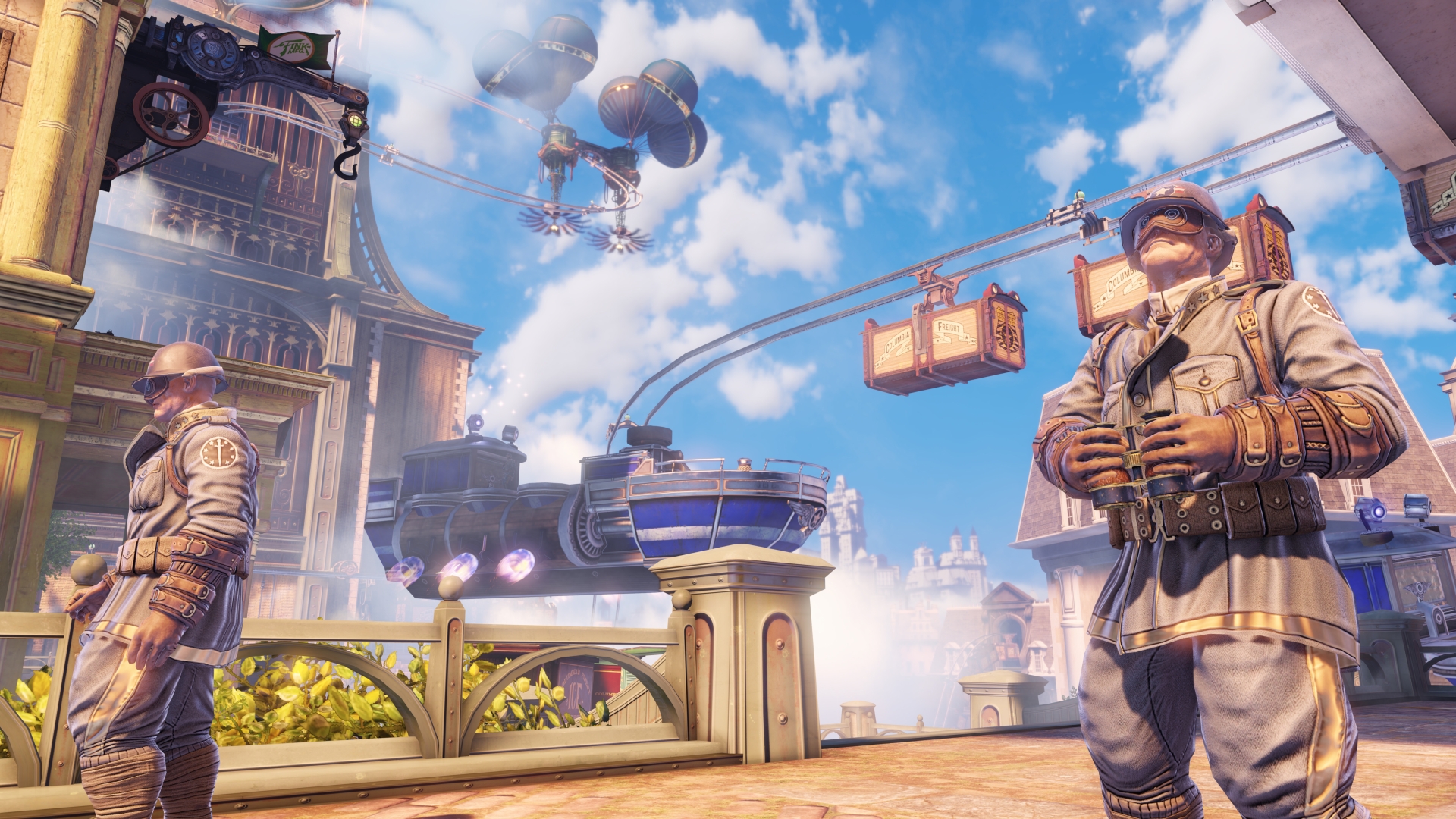
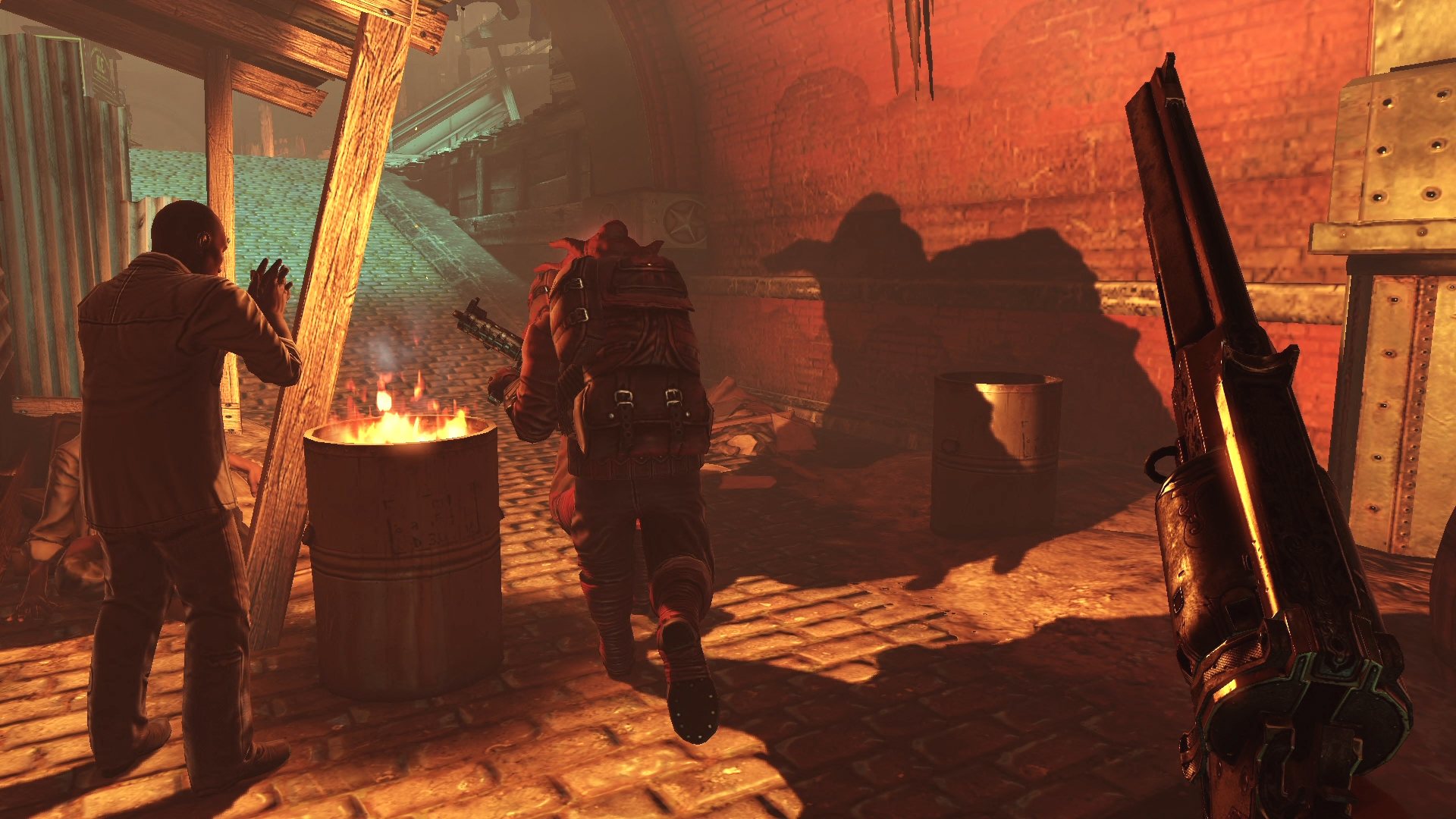
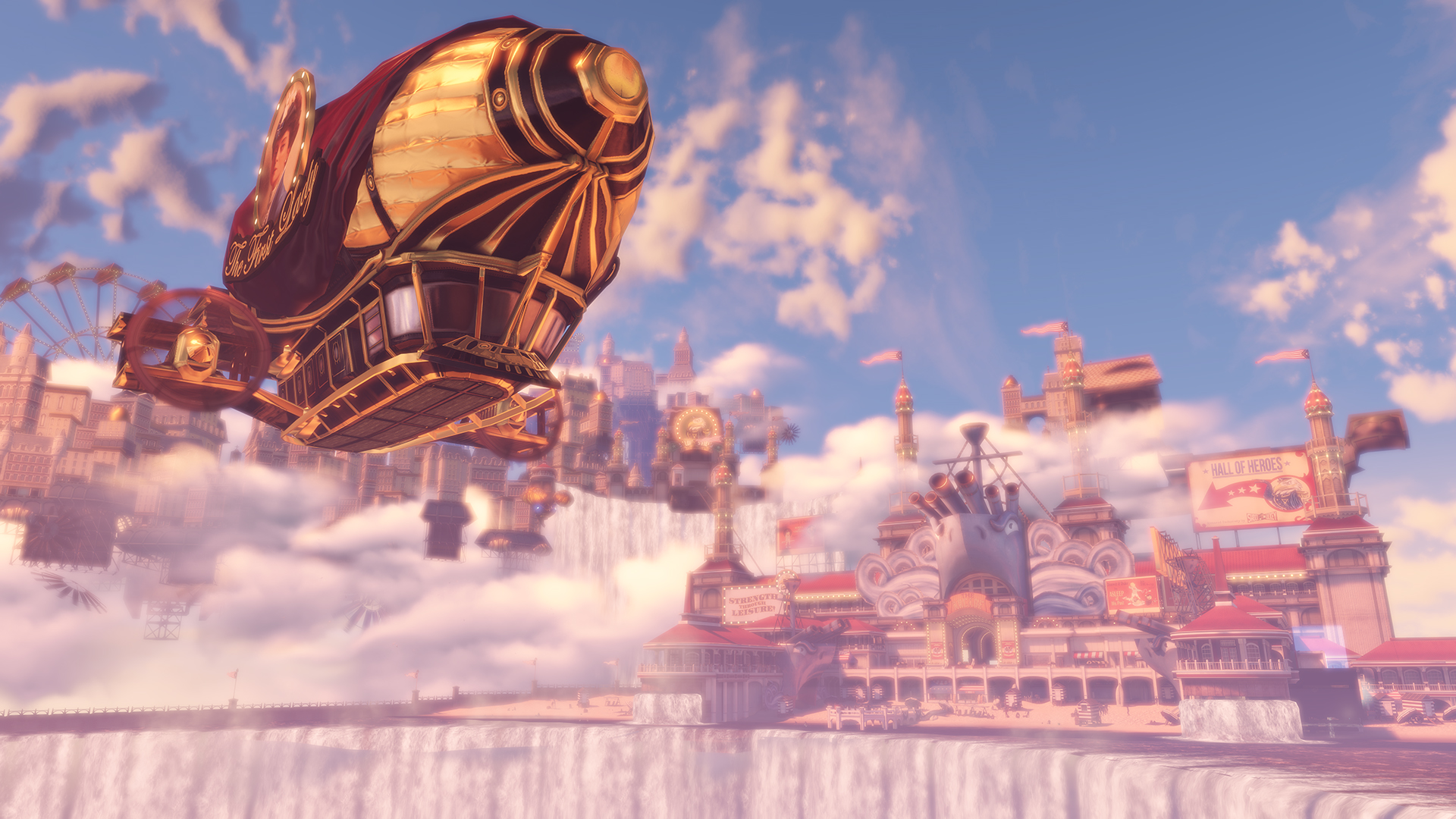
Image Source: Bioshockinfinite
First-person shooter games are made even better with the kind of graphics that make the game your reality, something that the entire BioShock franchise has perfected. BioShock Infinite does not disappoint and stays true to the kind of visuals that has always been expected from the series.
Imagine a fictional city up in the air, a community composed of balloons, blimps, and quantum levitation. Set in 1912, it takes so much effort to make a player feel that this is even near the reality that he knows. Amazingly, BioShock Infinite does make you believe that this floating world is real, considering the way the entire game is designed.
8. The Elder Scrolls V: Skyrim
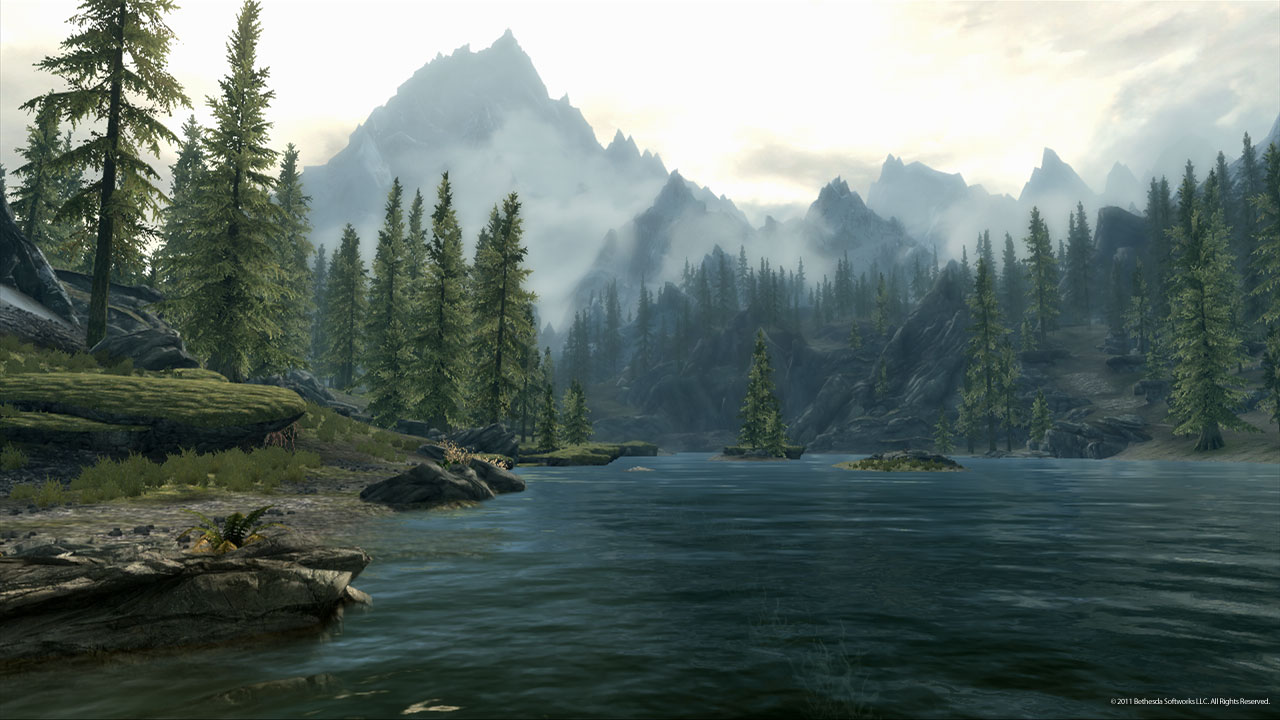
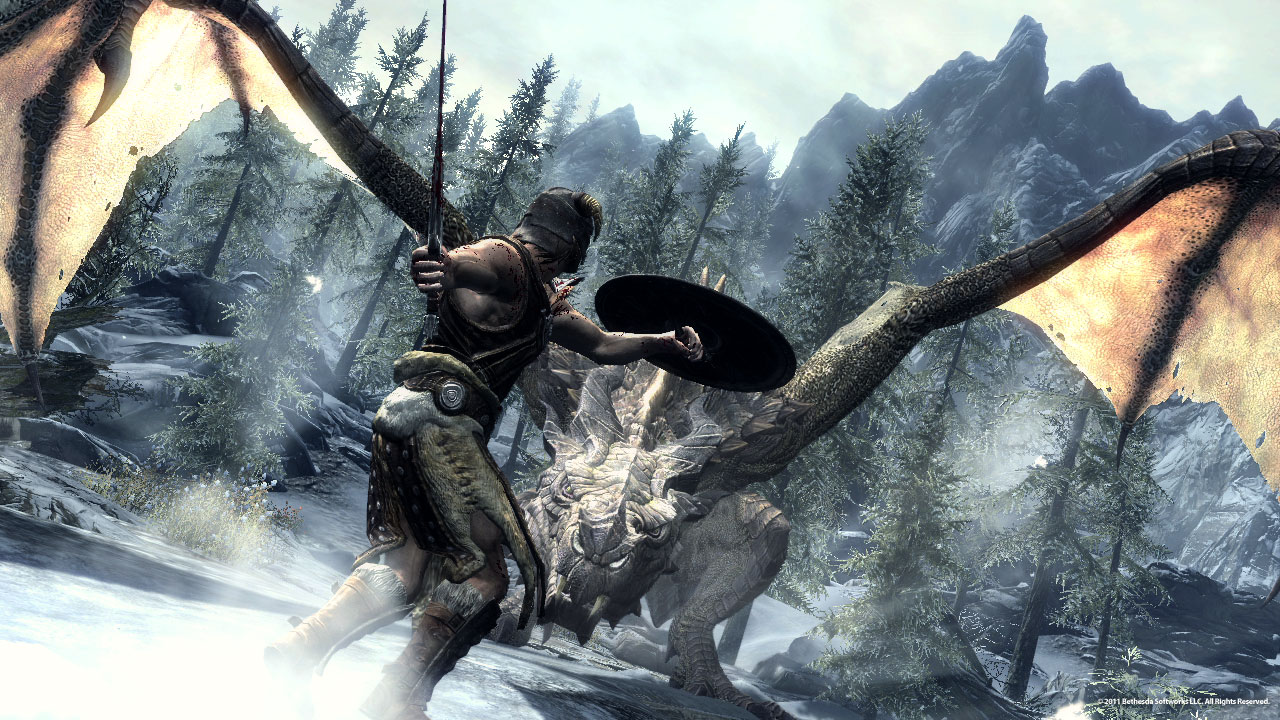
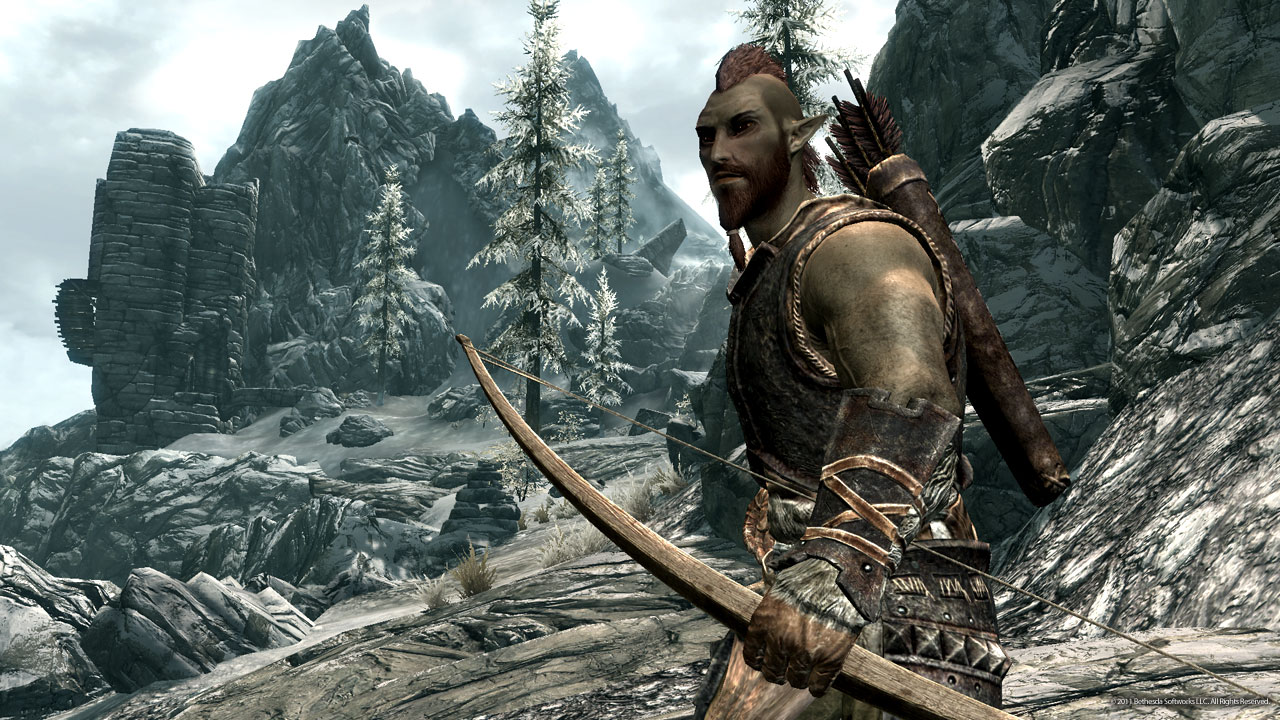
Image Source: Elder Scrolls
Skyrim has definitely caught the attention of fans not just because of the gameplay, but because of the amazingly realistic graphics. Where dragons appear out of nowhere and mountainous terrain are to be explored, you can just imagine the amount of detail that went into this game.
The game was initially designed by hand, which explains the unbelievable detail that you see in the smallest parts of the game. And the fact that the race of the character you choose should stand out among all the others, even greater effort was placed in shaping what each race looks like, carefully molded to make them fit the personalities and traits that they are known for.
9. Mirror’s Edge
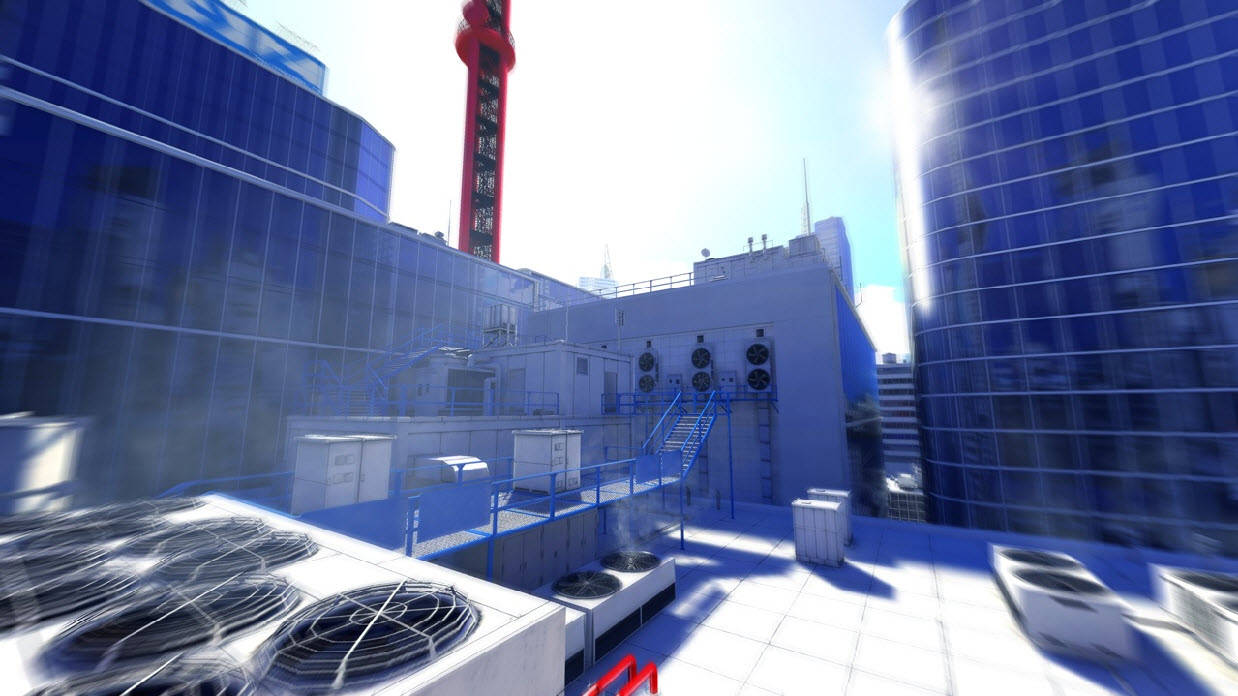
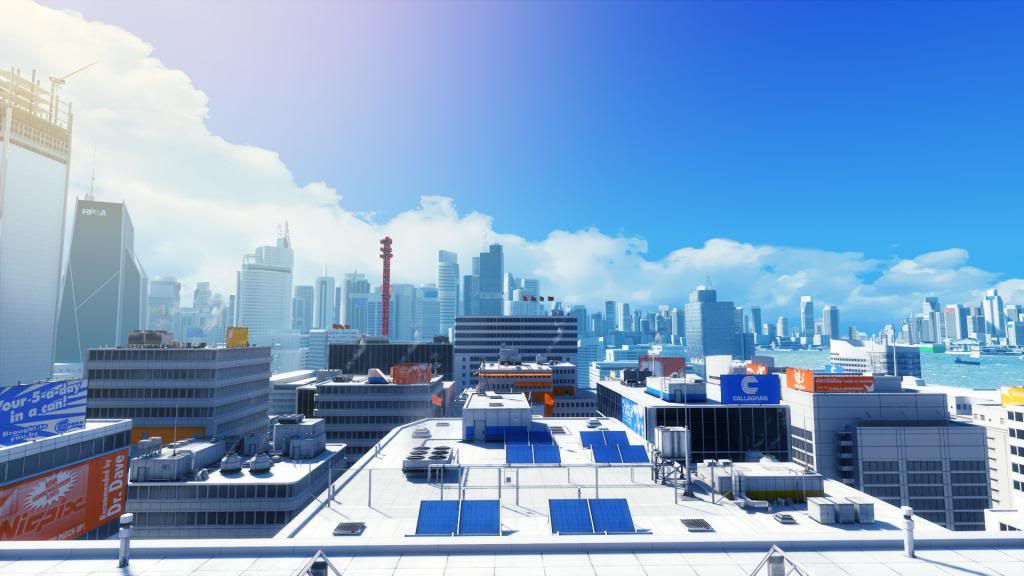
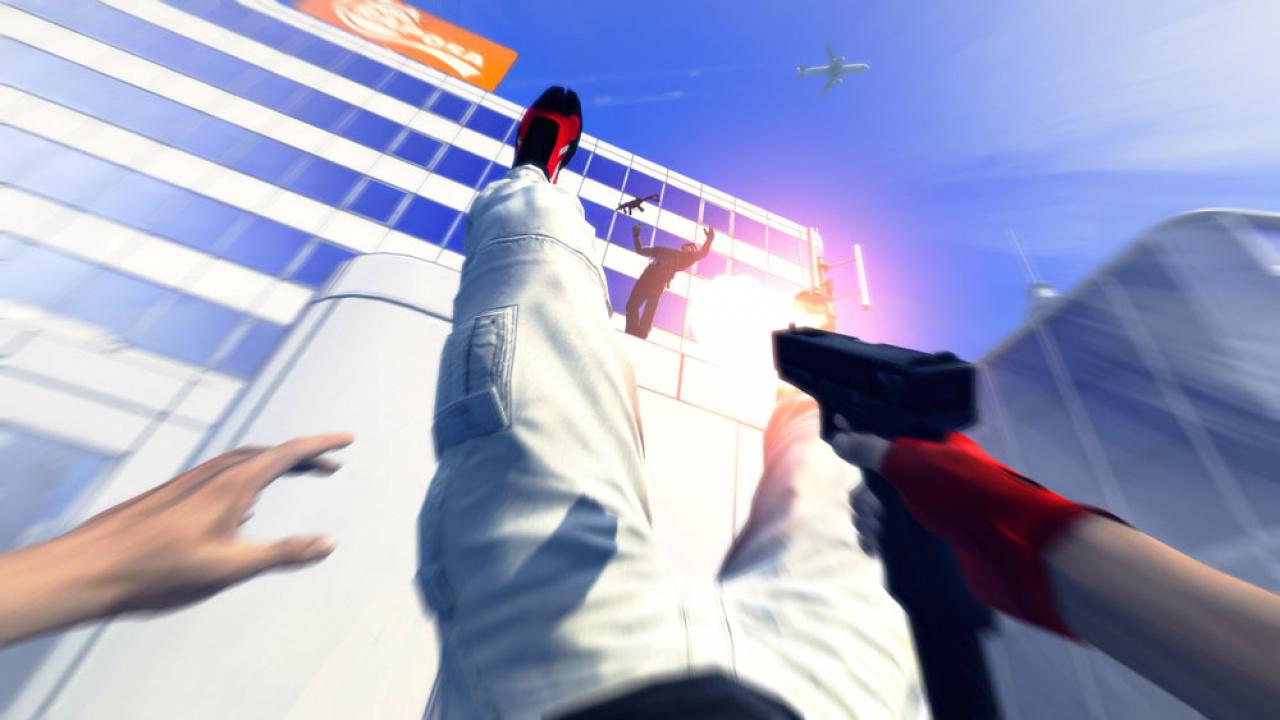
Image Source: EA
The action-adventure platform game has been getting mixed reviews since it was first released, but there is one constant in every comment made about it. No matter how confusing other people believe the game to be, all would agree that the graphics are superb. And considering the fact that its gameplay involves parkour-inspired moves, its realism definitely takes it to a whole new level.
The game is infuriating, that much is a given. It requires the player to hone the skills of the main character, so you would definitely have to fail a few times before you can complete levels. But for those who would rather look at it from the developer’s point of view, it does make sense that the amount of realism that the graphics bring should also translate into its gameplay. After all, nobody is born great, and constant failure and practice is needed to move forward, something that Faith, the game’s main character, is expected to learn.
10. The Legend of Zelda: Wind Waker
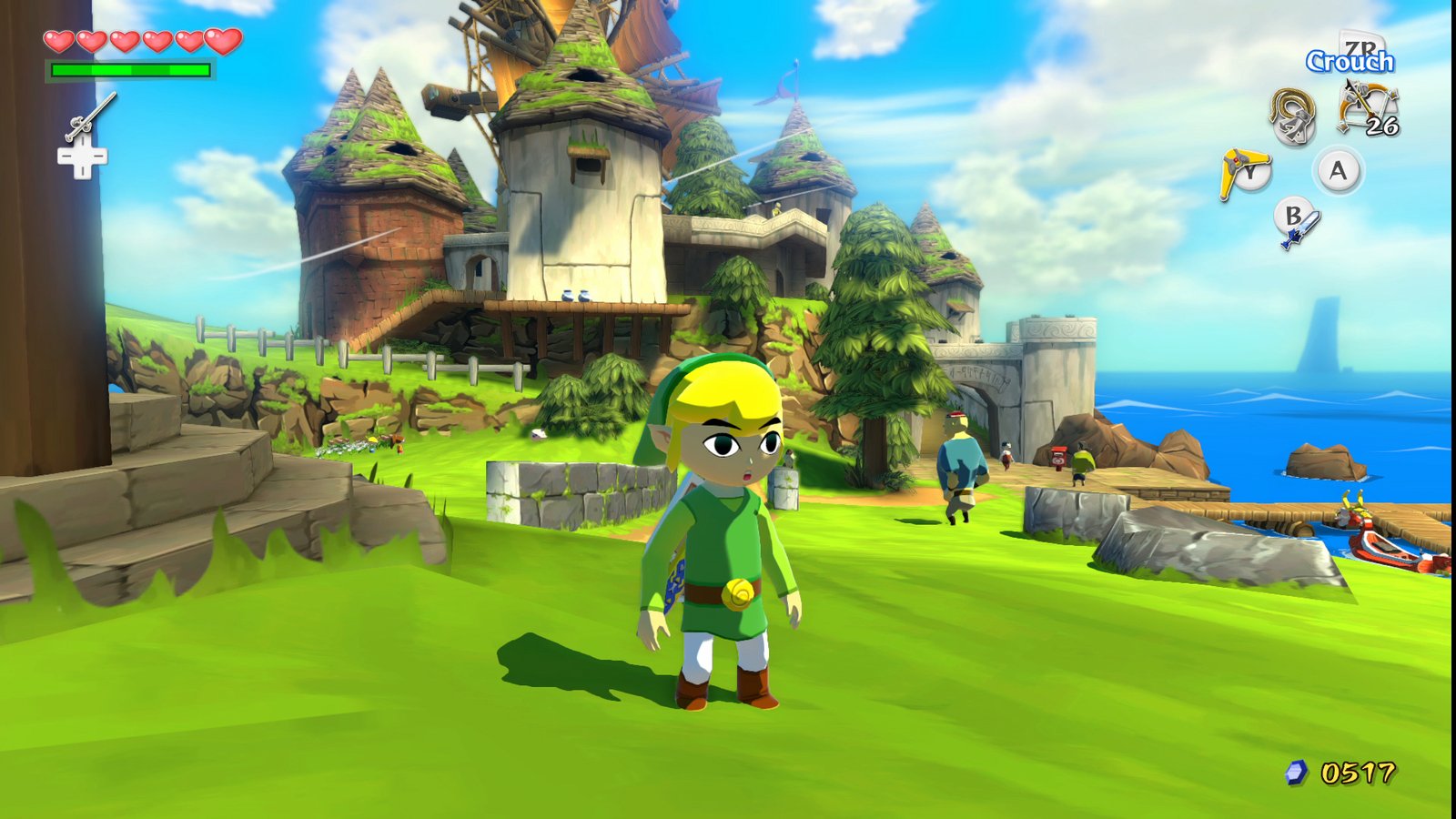
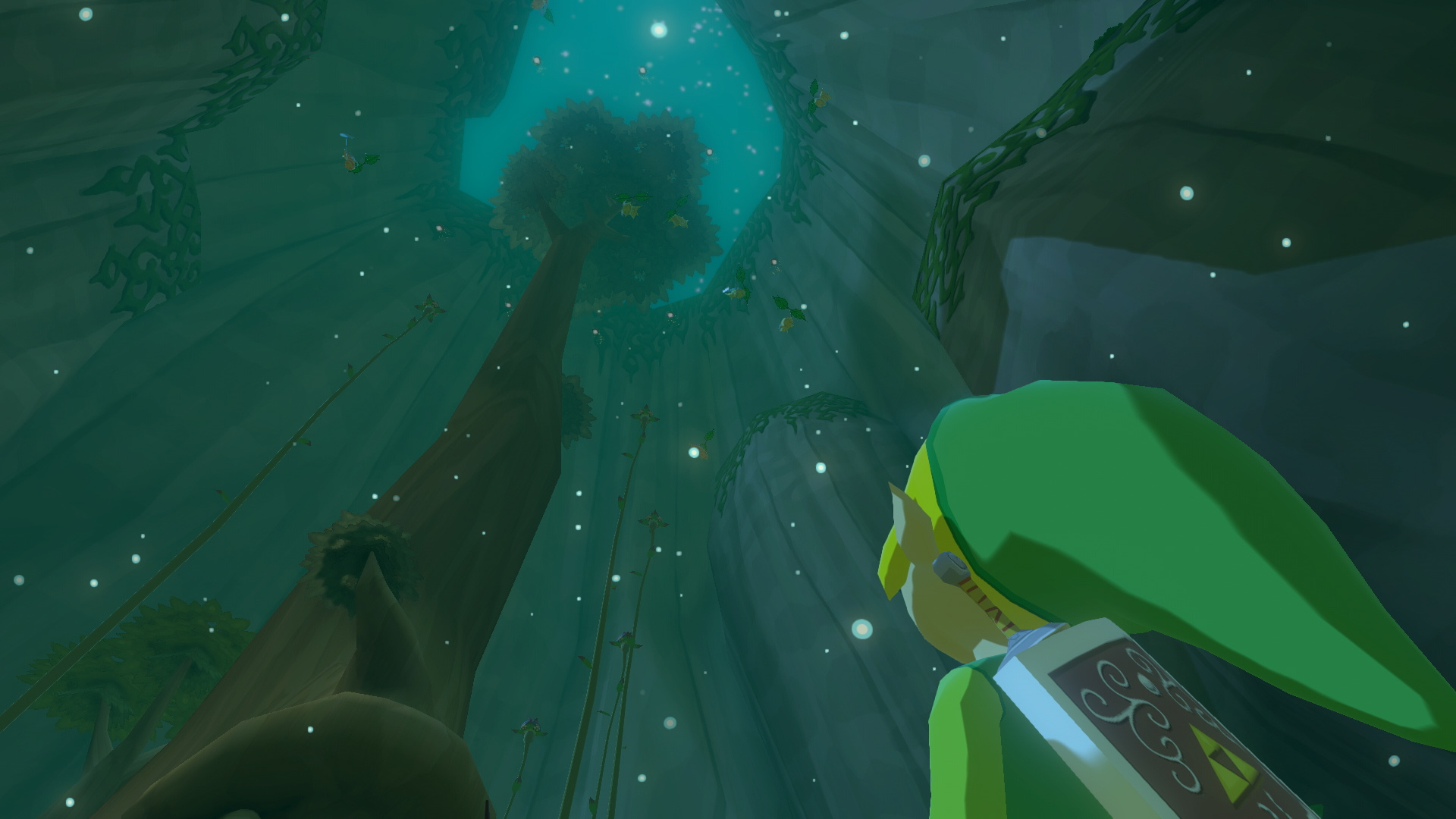
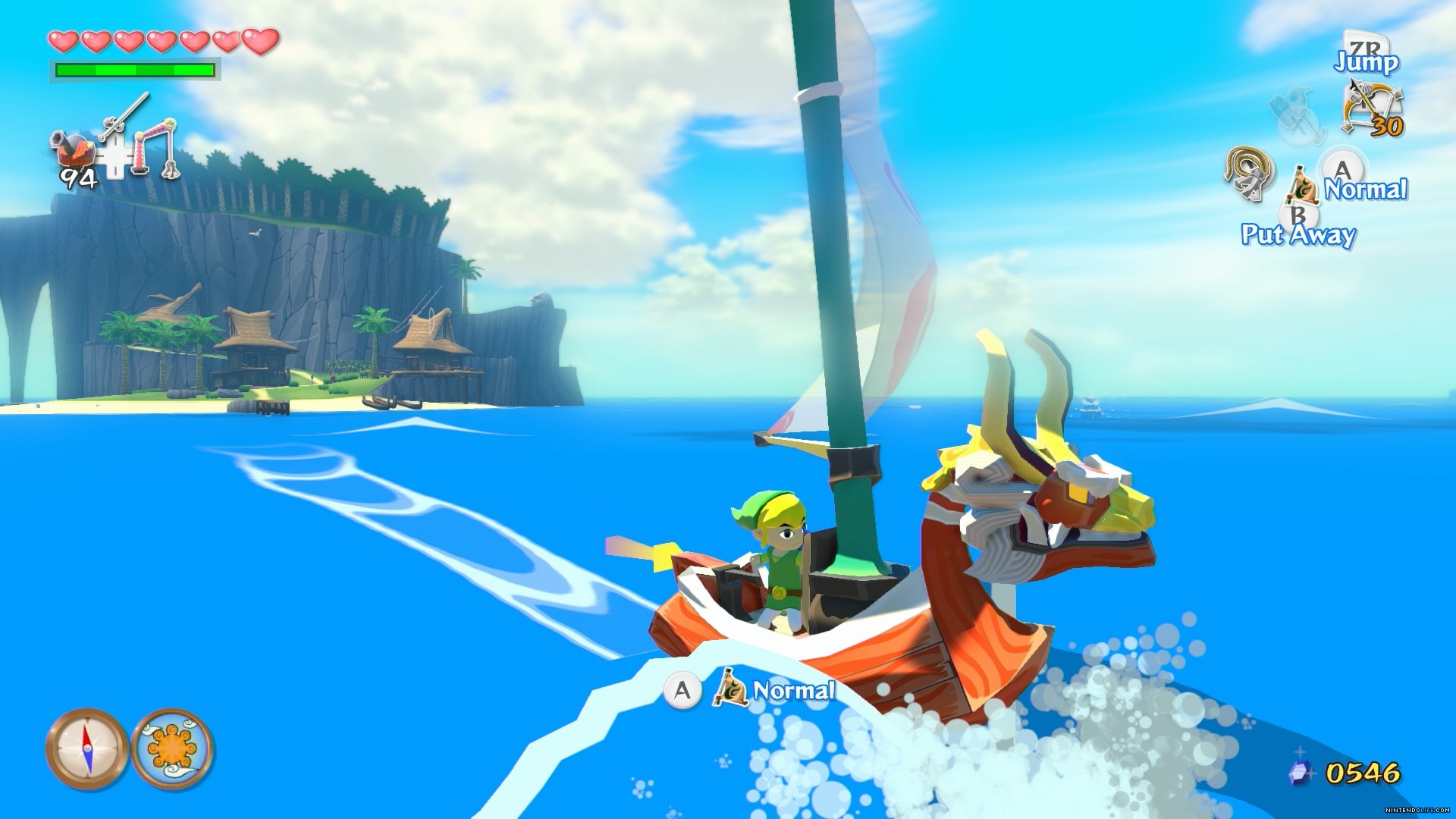
Image Source: Zelda
The tenth in The Legend of Zelda series, it continues the timeless game that people have enjoyed for generations. And the best part about it is the fact that the visuals have been thoroughly updated, giving you an even better view of all the action that goes on within the game.
The art is vibrant, and definitely gives life to each character’s unique personality. Where the original series tends to be on the traditional side, Windwaker is fresh and enhanced in so many ways that it makes fantasy an inviting world to live in.
Tell Us Your Favorites
With these ten games showcasing the best visuals you have ever seen, they have definitely set a standard for future games to follow or surpass. Leave a comment below and tell us about your favorite game graphics, whether current or decades old. We’d love to hear your thoughts.
Video Games as Art: 10 Visually Stunning Video Games


